


orico
Recent Searches Clear
Popular Products
20Gbps Magnetic Portable SSD with Foldable Stand
MiniDock Stand Dock with Storage for Mac mini M4
20Gbps Rugged PSSD for Outdoor Use

Device Reset/Data Erasure

April 17, 2025

Device Reset/Data Erasure

There are two methods for device reset/data erasure:

Method 1: Through the LAN Advanced Settings Interface

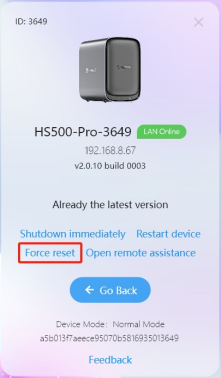
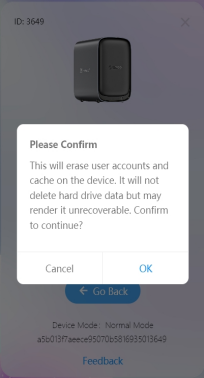
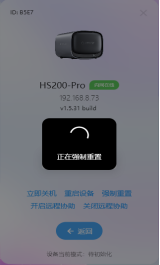
· On the device login interface, click the header image to enter the LAN advanced settings interface. Click "Force Reset" to complete the device reset.

· The device's serial number (SN) is required for reset. The SN can be found on the device's label.

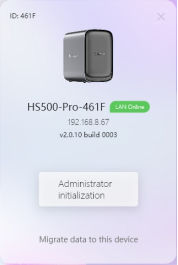
· After entering the correct SN, the reset will proceed. Once completed, the device will need to be re-bound and initialized.


Method 2: Through Administrator Password

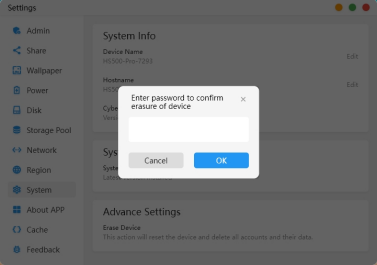
· Click "Settings" on the homepage, select "System Settings," and enter the system information interface. Under "Advanced Settings," click "Erase Device." Enter the password in the pop-up window and click "Confirm Erase."

· The device will enter the data erasure state. After erasure is complete, the device will be unbound.


SHARE

Leave a Reply

Name Email

Your email address will not be pulished.

Comment
POST COMMENT

Become a Distributor

We are available from monday to friday to answer your questions.

Contact US

Need to contact us? Just send us an e-mail at odmmarket@orico.com.cn
TOP