What is Docker?
- Docker is a virtualization and containerization technology developed in the era of cloud computing. Similar to virtual machines but more lightweight, it consumes fewer resources.
- Starting a container is equivalent to creating and launching another system within the NAS, a system that serves only a single piece of software. This greatly simplifies software installation and configuration while unifying the environment.
- In the NAS industry, Docker is often the only way for consumers to install third-party software ecosystems.
- Docker applications typically run as background services, accessed via web pages or apps. Some applications have no interface at all—Nginx, for example.
- For Docker applications that have a user interface, Cyber OS automatically generates a web access entry. This can be viewed in the container list, and selected applications also generate desktop shortcuts.
- CyberData OS pre-adapts the most popular and best-performing third-party Docker software, allowing users to install and use them with one click.
- Common concepts in Docker include: images, containers, port mapping, and volume mounting. Advanced concepts include container networking, environment variables, and container capabilities.
· An image can be understood as an installation package or the software program itself, while a container can be understood as the running instance of the software.
· One image can start multiple containers—similar to running multiple instances of software on Windows—but attention must be paid to issues such as port conflicts.
· When starting a container, special attention should be paid to port mapping and volume mounting. The container's network is typically isolated from the NAS host's network, so mapping must be configured to access the container's services. The same applies to directories.
For security reasons, CyberData OS disables all non-essential ports by default through its firewall. When enabling port mapping, the relevant ports need to be opened in the firewall. We do this automatically, but if a service is running but cannot be accessed, this may be the cause—or port mapping may not have been enabled. Note that the firewall port mentioned here is different from container port mapping.
Docker Image Installation
· Click "Docker" on the homepage to enter the Docker application interface.
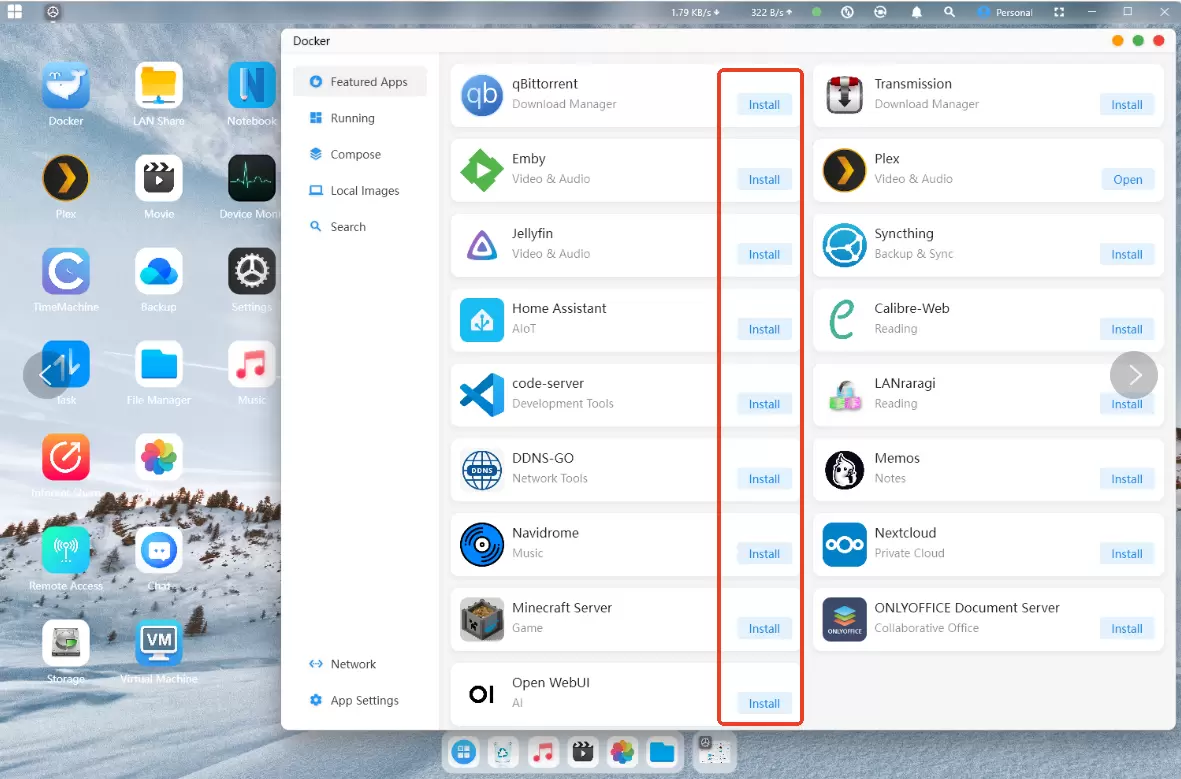
· Under "Featured Applications," you can see Docker containers with default parameters pre-configured. Simply click "Install" to use them.
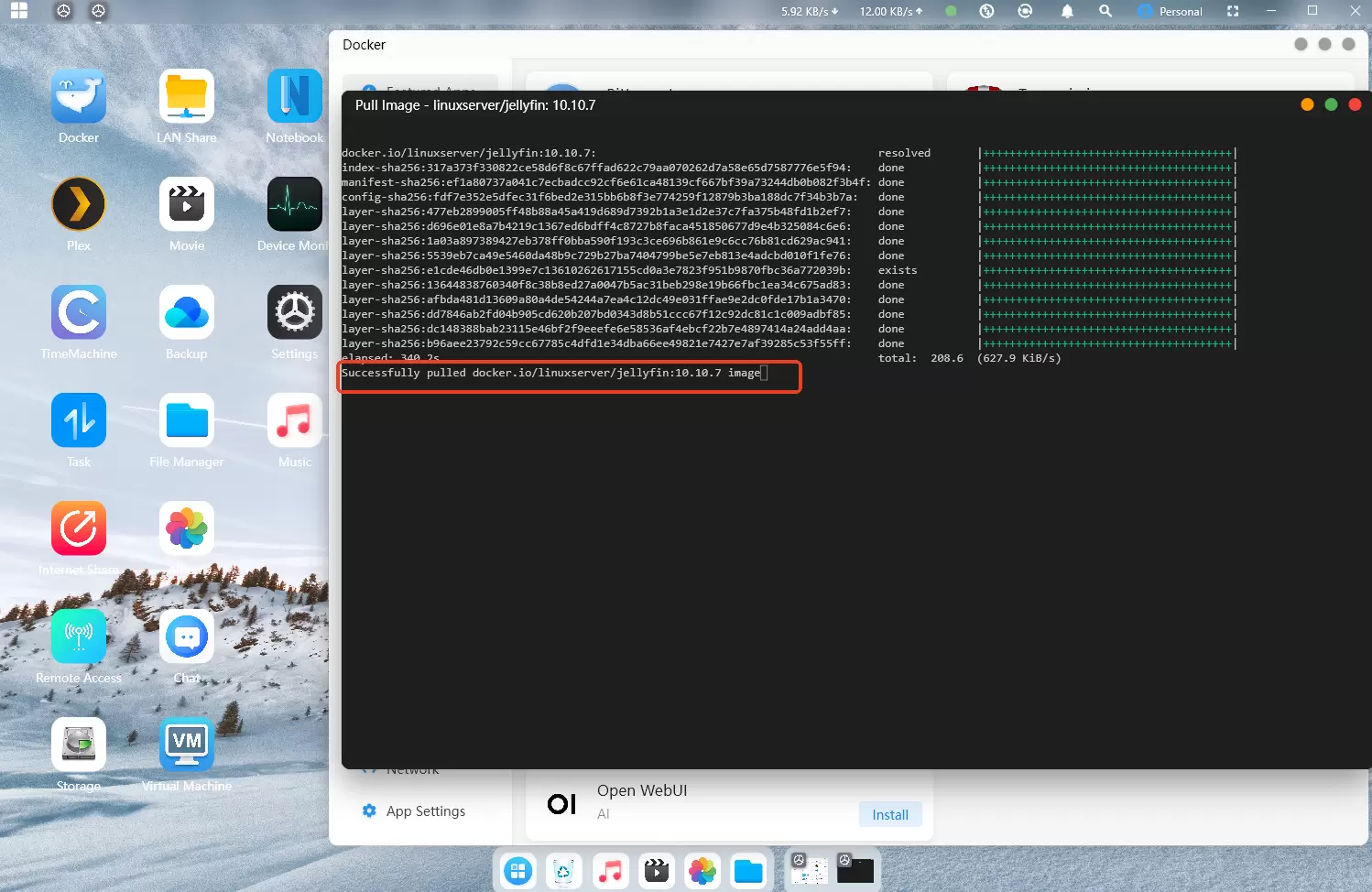
· Wait for the "Image Pulled Successfully" message, as shown in the bottom-right image, indicating that the container installation is complete.