

×

Search History

    Popular Products

    20Gbps Magnetic Portable SSD with Foldable Stand
    MiniDock Stand Dock with Storage for Mac mini M4
    20Gbps Rugged PSSD for Outdoor Use

    Remote Assistance

    April 23, 2025

    How to Get Remote Technical Assistance?


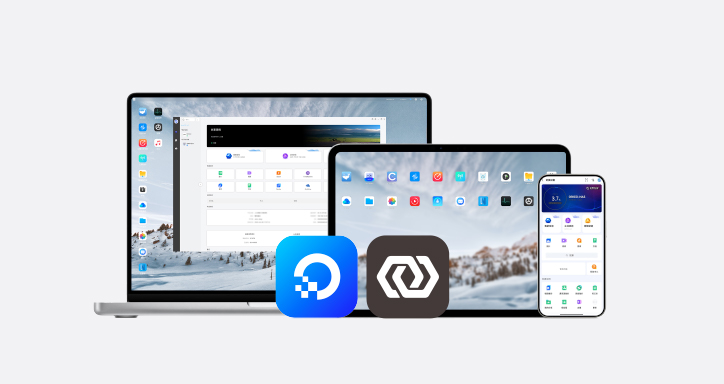
    When you encounter a difficult issue to resolve, you can follow the steps below to obtain the Remote Code within the App and submit it to ORICO technical staff, who can then provide you with remote operation support.


    (1) Enable remote assistance by directly scanning the device SN code

    Open the Cyber Cloud Space App → Click on the device image → Enable Remote Assistance → Confirm.


    Scan the QR code on the device body to obtain the SN code → Confirm → After enabling successfully, copy the Remote Assistance Code and send it to the technical support team.


    (2) Enable remote assistance by obtaining the SN code within the software


    Open the Cyber Cloud Space App → Settings → Administrator Settings → View SN.


    Copy the SN code → After switching accounts or devices, click on the device image → Enable Remote Assistance.


    Confirm → Paste the copied SN code → Confirm → After enabling successfully, copy the Remote Code and send it to technical personnel.


    SHARE

    Leave a Reply

    Name Email

    Your email address will not be pulished.

    Comment
    POST COMMENT

    Become a Distributor

    We are available from monday to friday to answer your questions.

    Contact US

    Need to contact us? Just send us an e-mail at odmmarket@orico.com.cn
    TOP