







×

Search History

    Popular Products

    20Gbps Magnetic Portable SSD with Foldable Stand
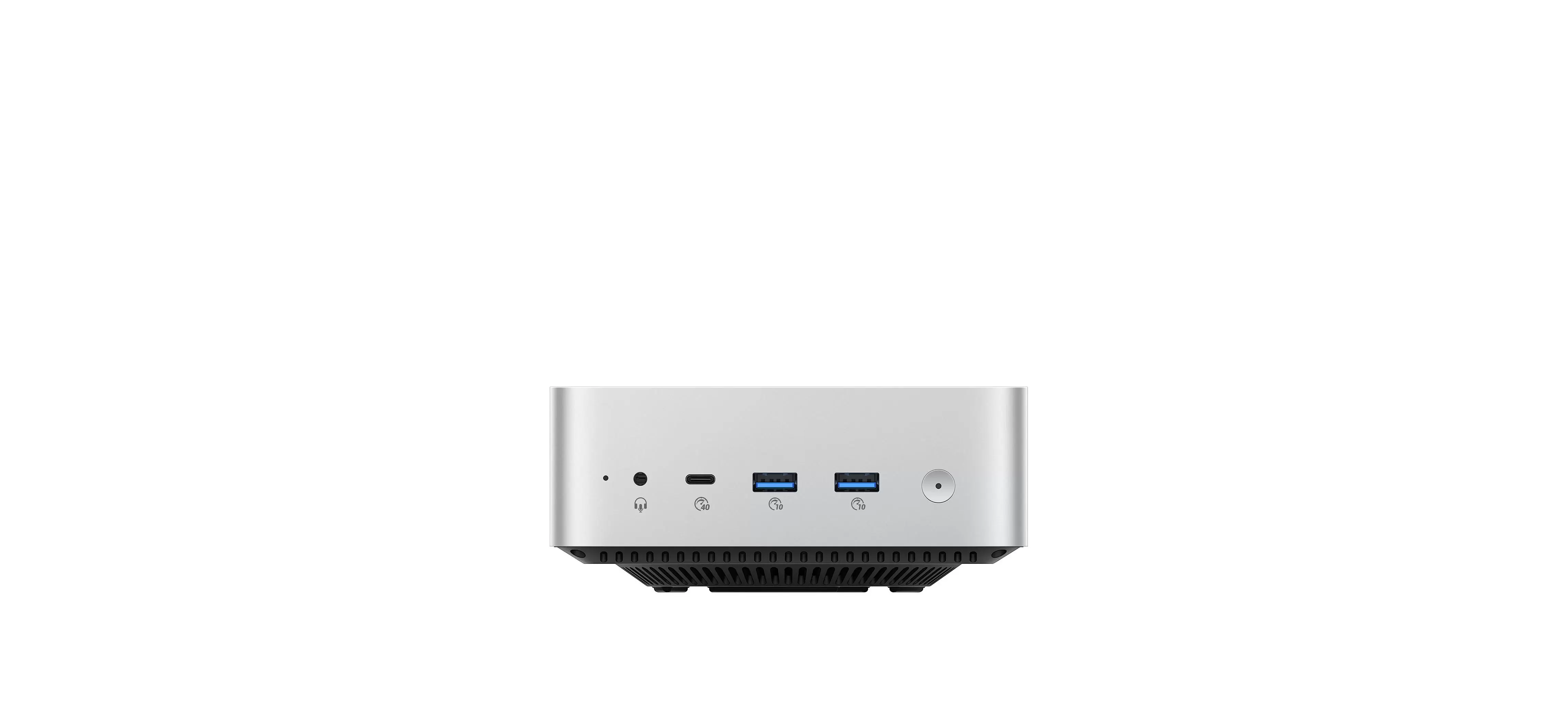
    MiniDock Stand Dock with Storage for Mac mini M4
    20Gbps Rugged PSSD for Outdoor Use

    Create Storage Pool

    How to Create a Storage Pool?


    1. Access the Storage Pool Management Interface

    Click “Storage Manager” on the homepage to enter the storage pool management interface. Here, you can view information such as the RAID type and capacity usage of the storage pool.


    2. Create a Storage Pool

    Click “Create Storage Pool,” select the hard drives and disk array mode, verify the information, enter the administrator password, and then complete the creation of the storage pool.


    1. Access the Storage Pool Management Interface

    Go to “Settings” → Storage Pool Management → Create Storage Pool.


    2. Create a Storage Pool and Select the Desired Array Mode

    Choose the location for creating the storage pool → Select Simple Mode → Choose the array mode.


    Note: Creating a storage pool will format the hard drives and erase all data. Please back up any important data beforehand.


    SHARE

    Leave a Reply

    Name Email

    Your email address will not be pulished.

    Comment
    POST COMMENT

    Become a Distributor

    We are available from monday to friday to answer your questions.

    Contact US

    Need to contact us? Just send us an e-mail at odmmarket@orico.com.cn
    TOP