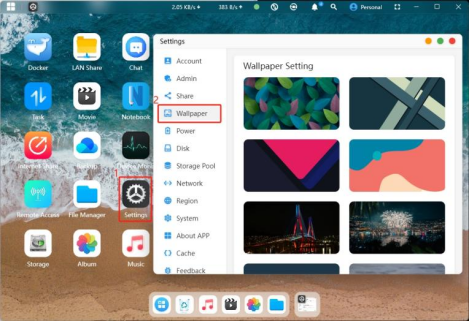
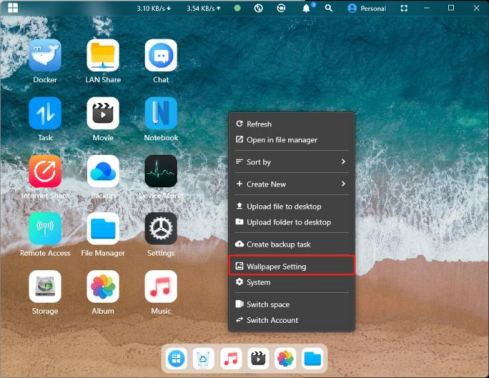
Enter the homepage on CyberData App, right-click / or click“Settings” icon, and select "Wallpaper Settings"
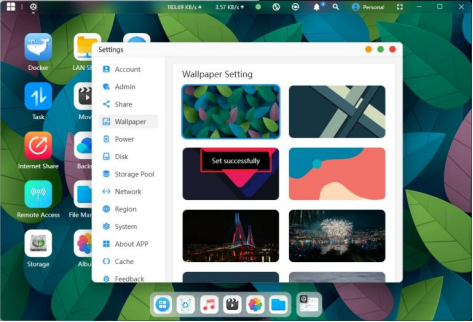
Click on any wallpaper you like to complete the wallpaper change. A "Set Successfully" prompt will appear.



 Click on any wallpaper you like to complete the wallpaper change. A "Set Successfully" prompt will appear.