

LANraragi is an open-source online manga/comic reader.
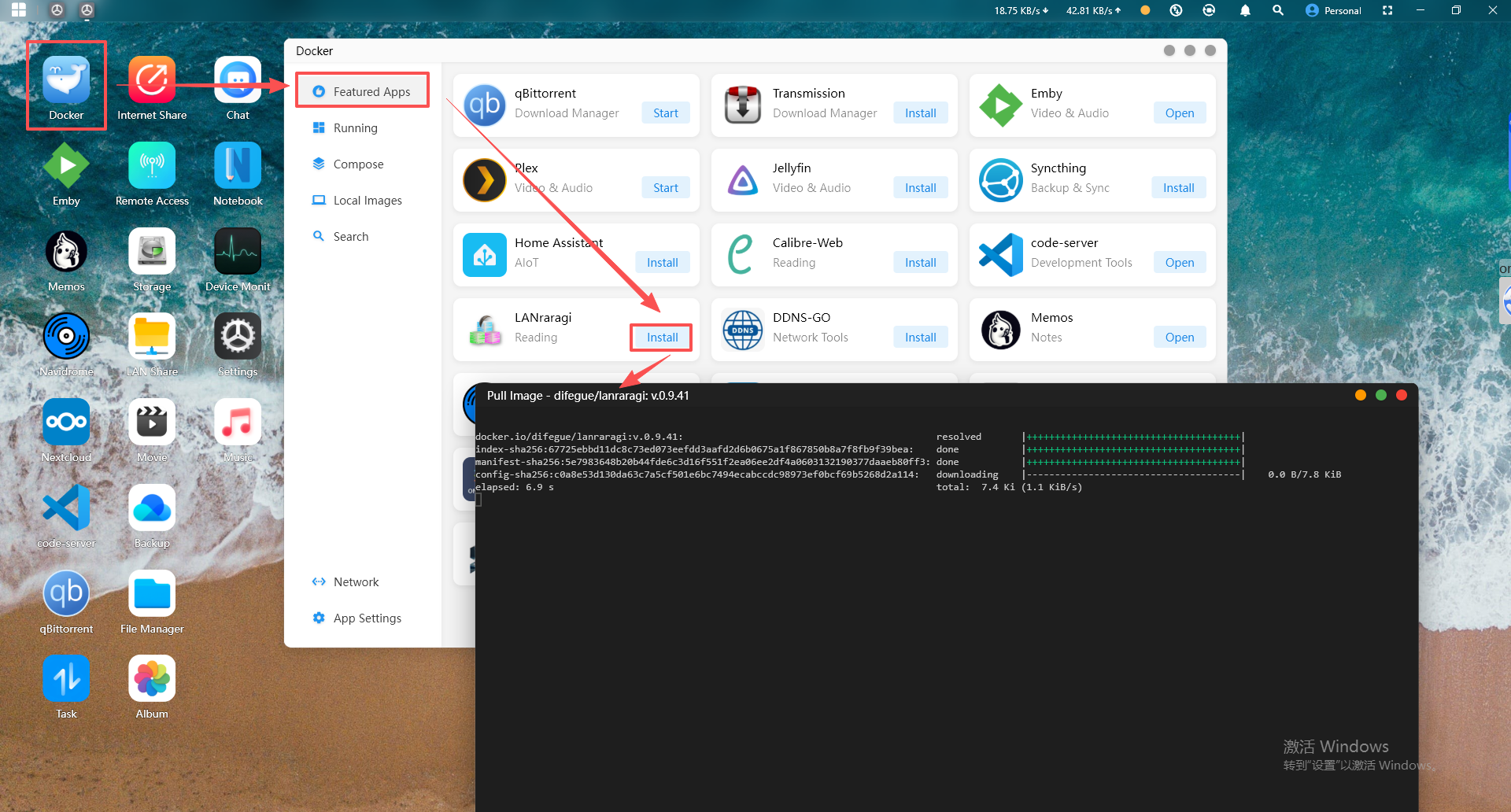
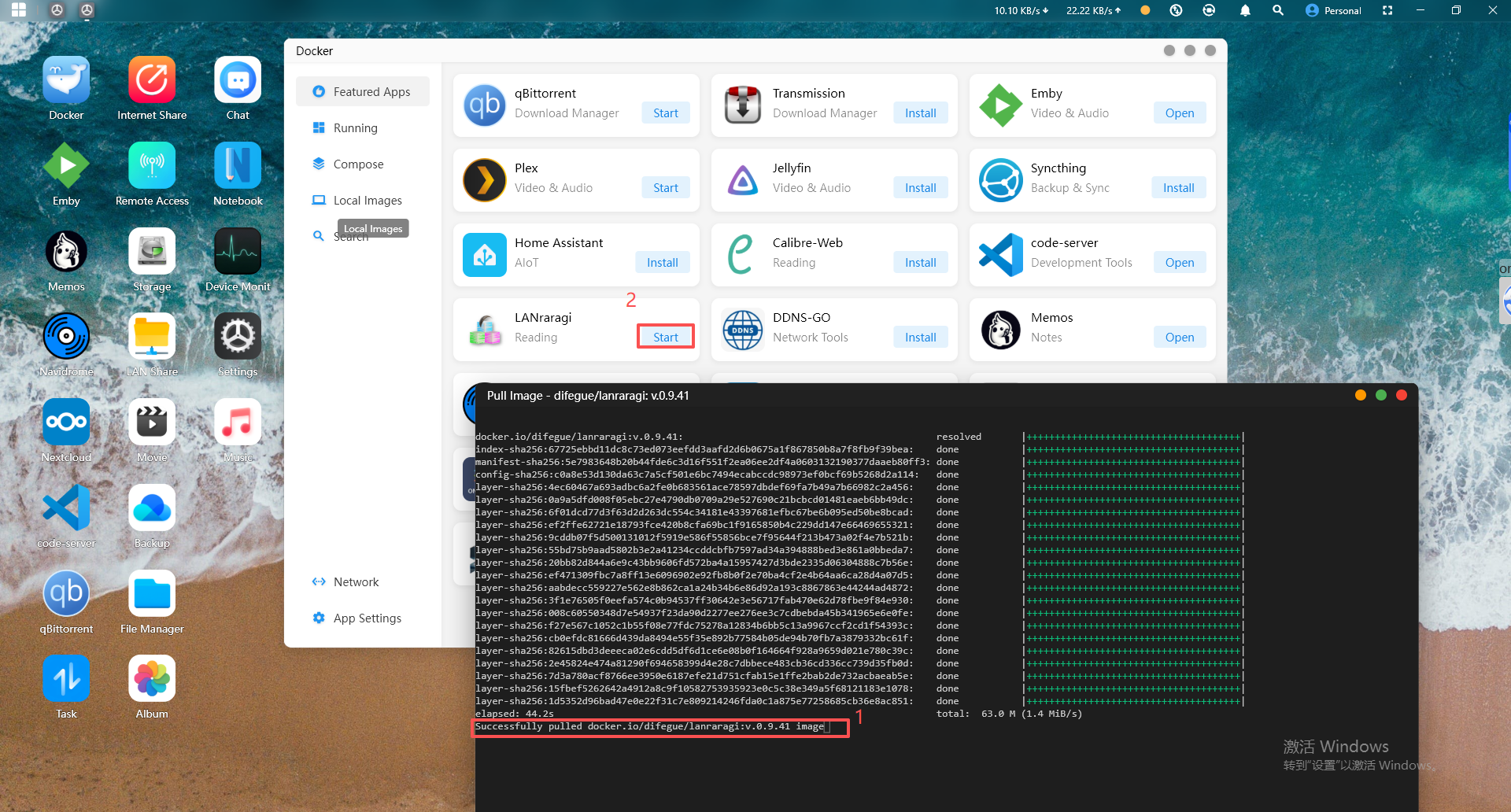
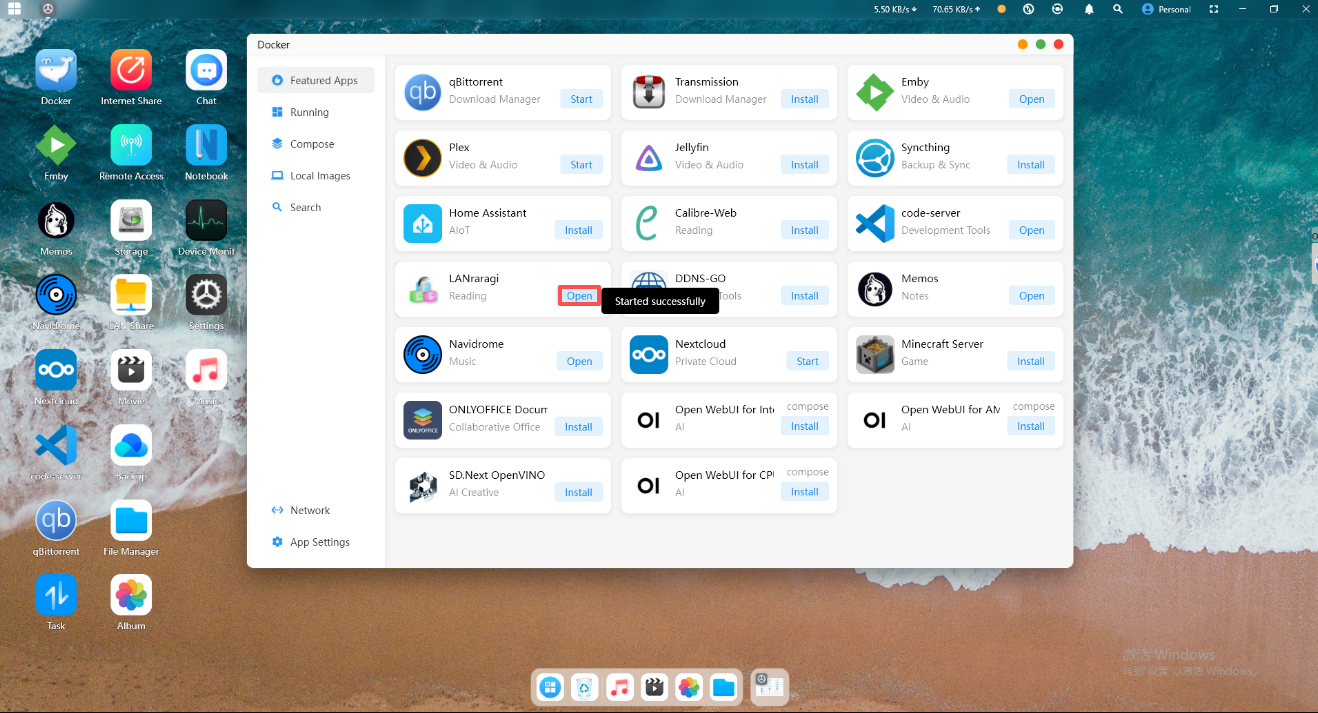
2.Click "Open" and you will be automatically redirected to the web page.
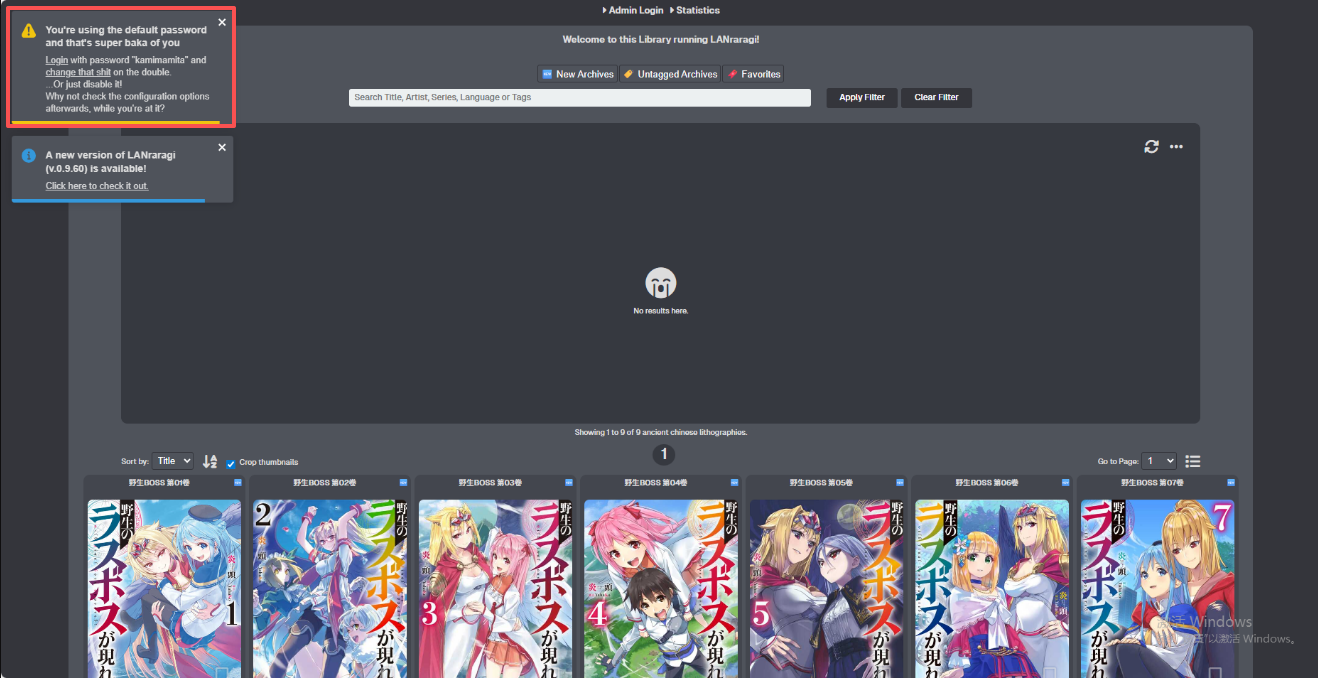
3.After entering the web page, you can see the default password in the upper-left corner. Copy the default password and click "Login".
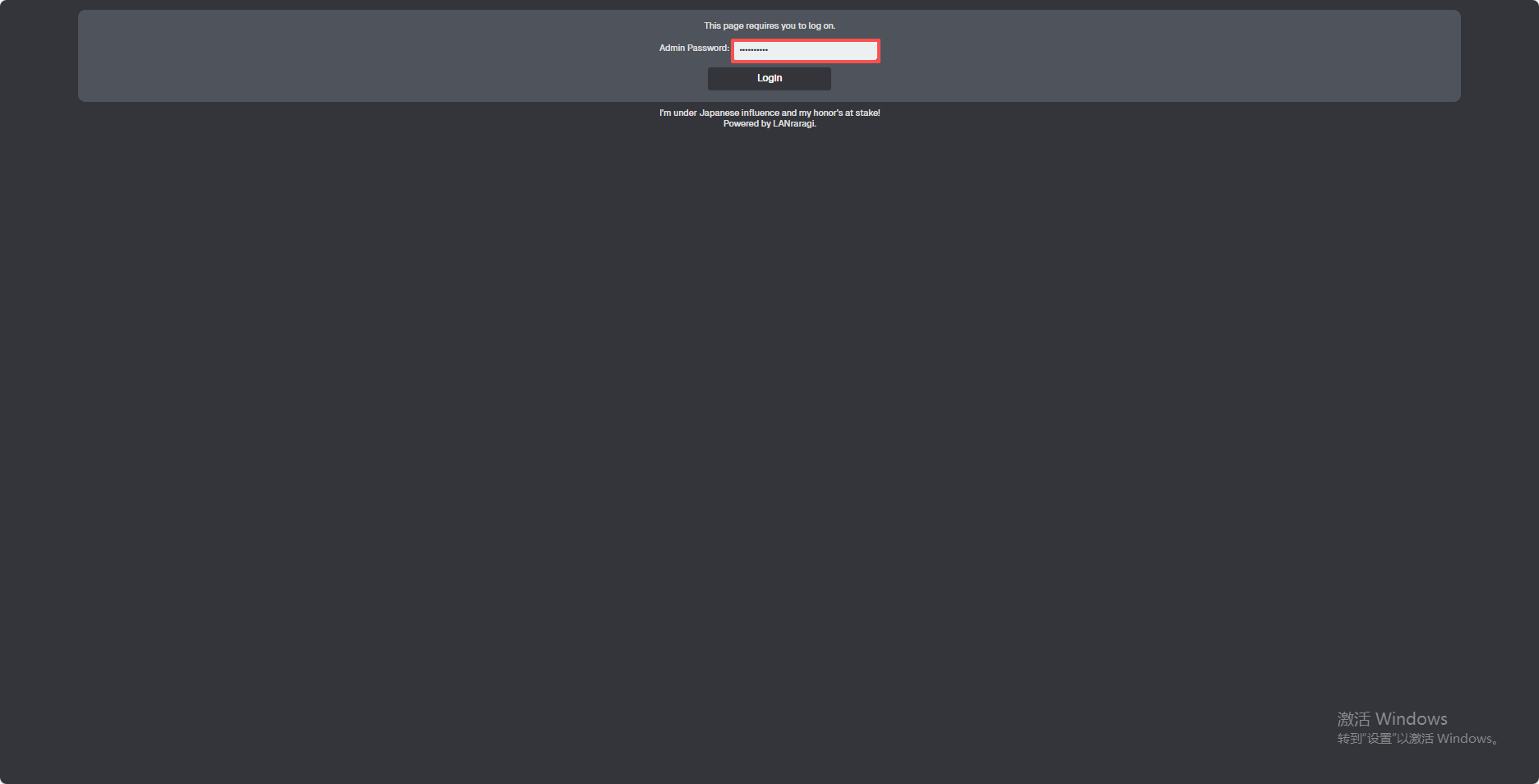
4.You will be prompted to enter the administrator password. Enter the password from the previous step, then click "Login".
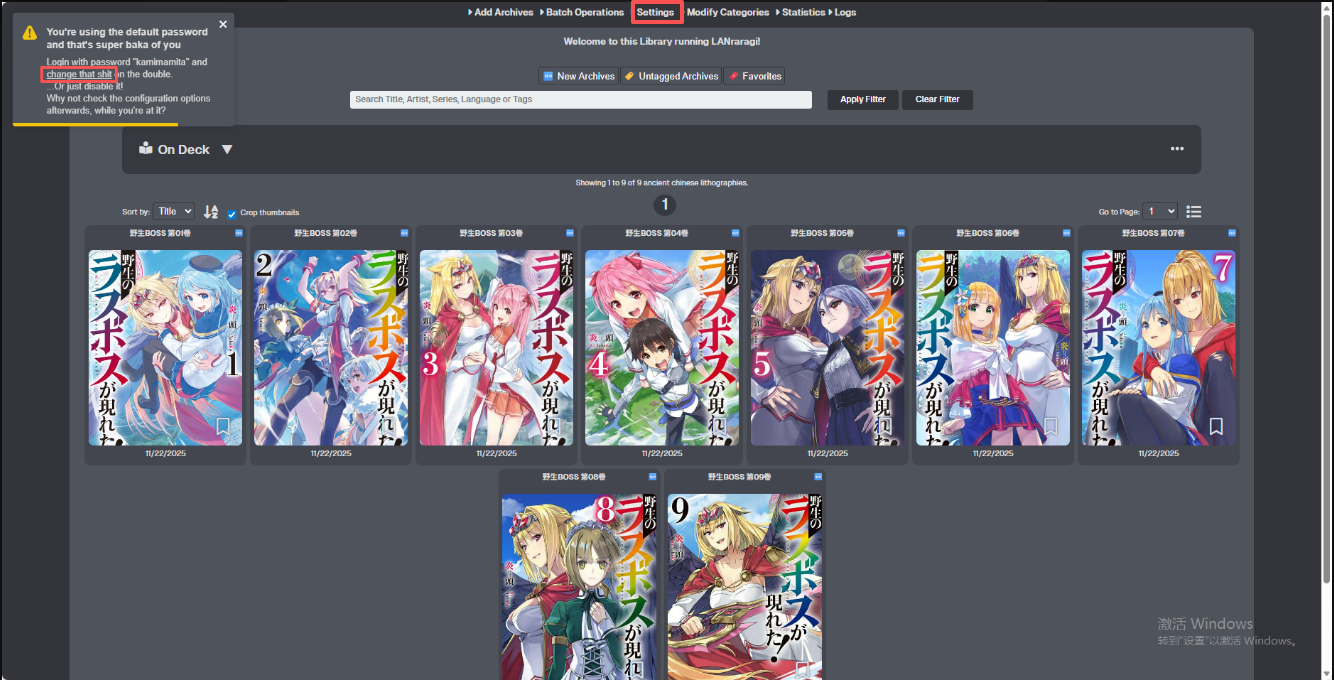
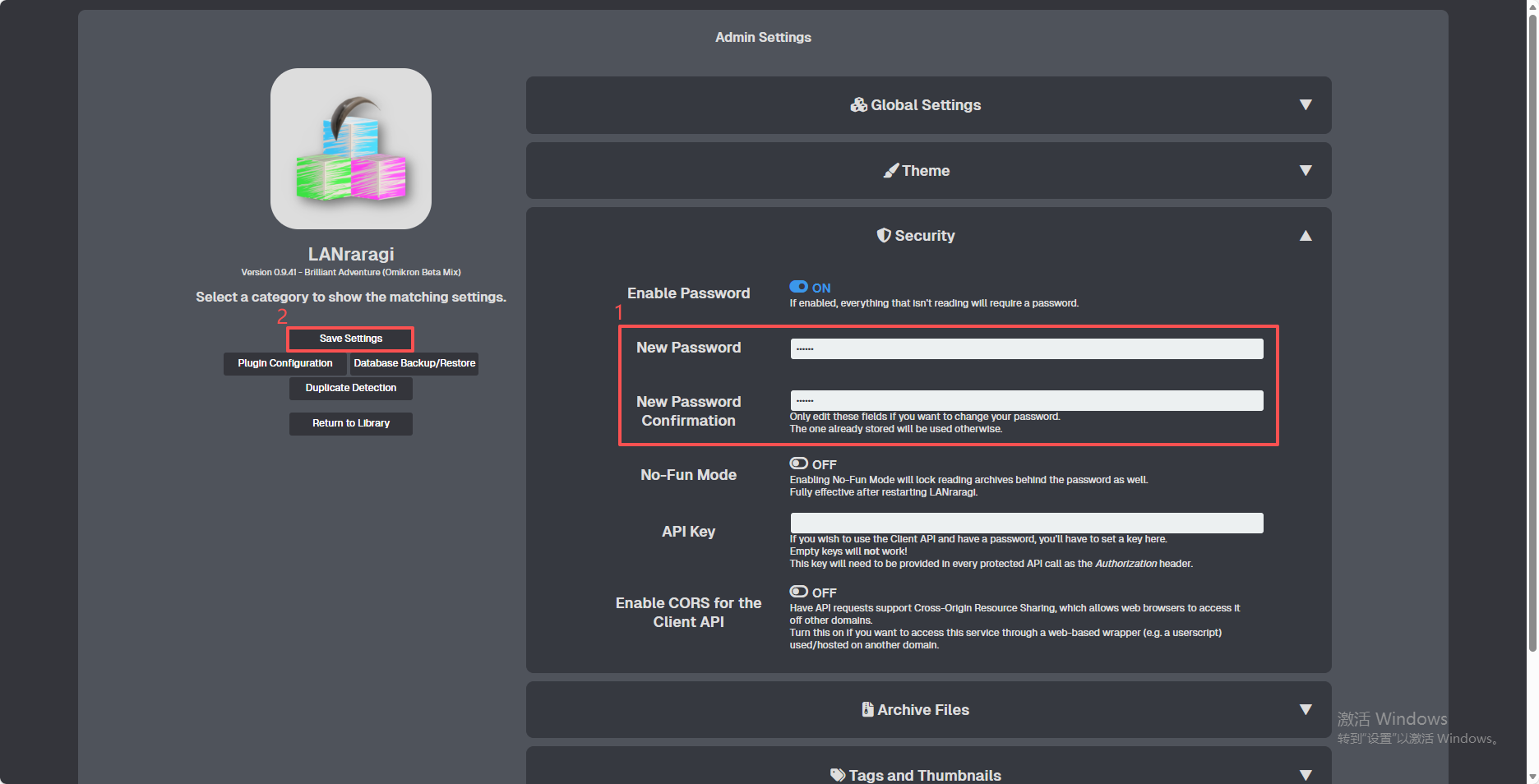
5.Change Password
You can click the "Change this stupid password" button in the upper-left corner, or click the "Settings" option at the top.
Enter the new password and confirm it, then click "Save Settings" on the left to complete the change.
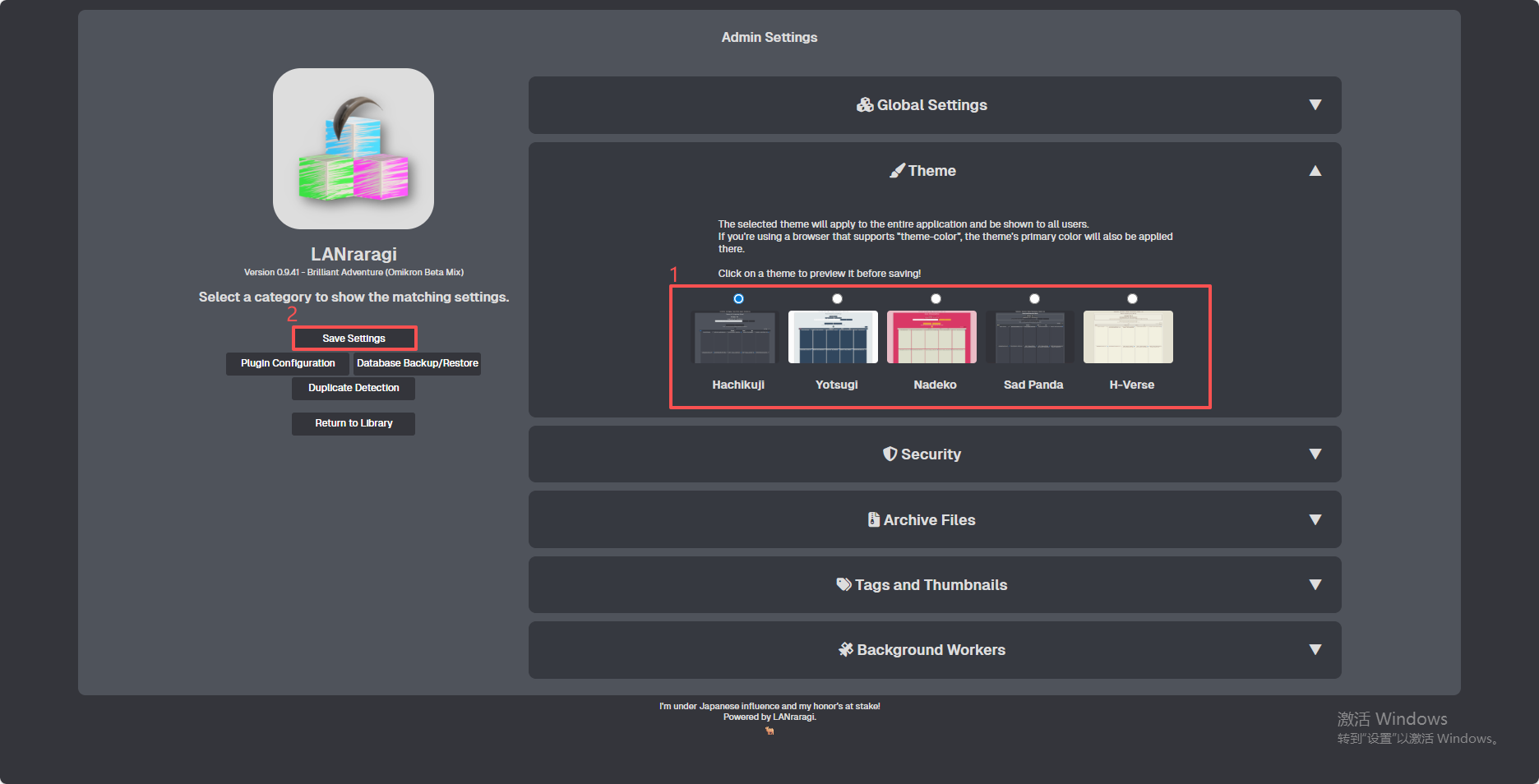
6.You can also change to your preferred theme — make your selection and then click the "Save Settings" button on the left to apply it.
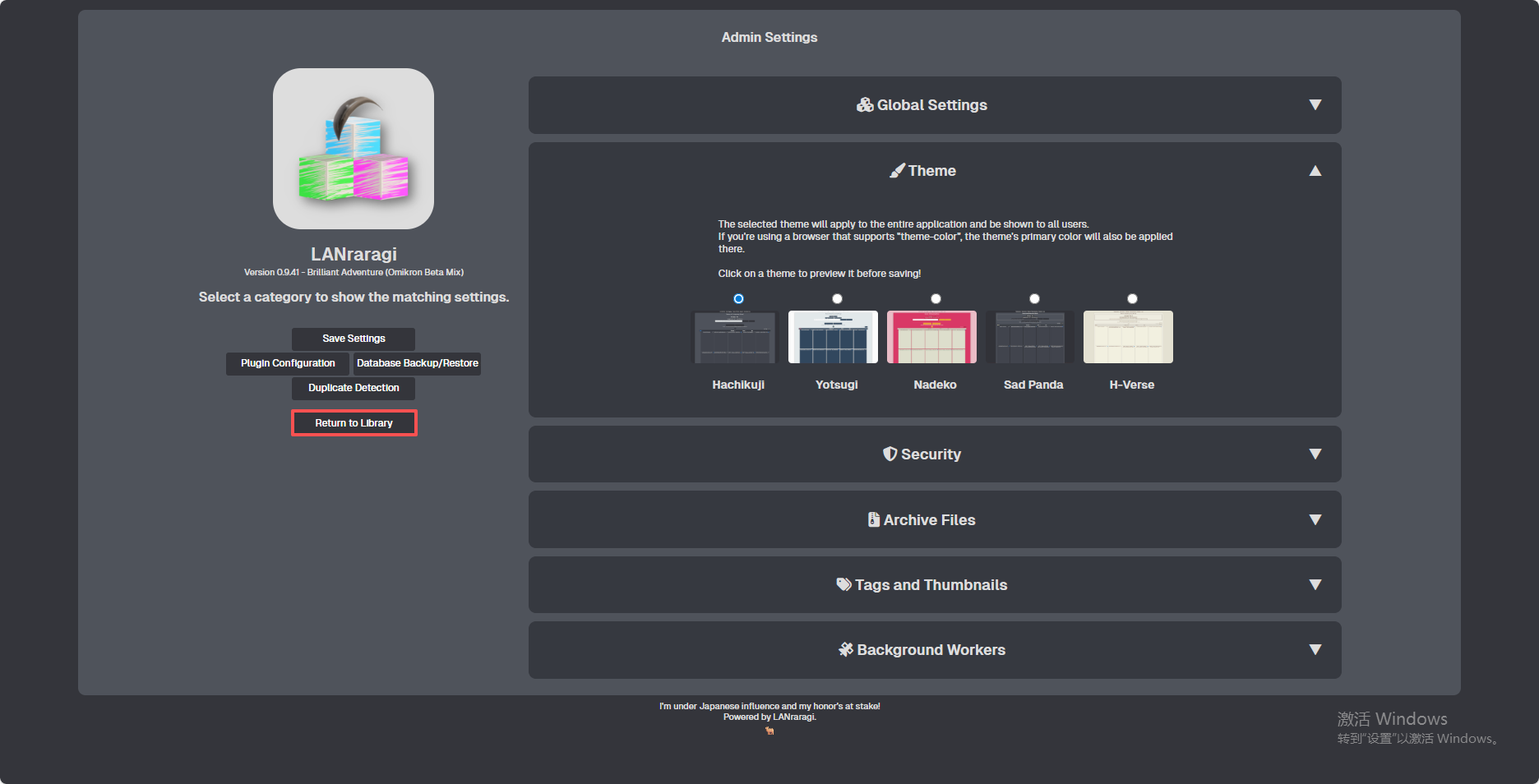
7.Click "Return to Library" to go back to the home page.
8.Uploading Archives
There are two ways to upload files: (1) Upload via the web interface; (2) Upload via the Cyber Cloud software.
(1) Upload files via the web interface
Click "Add Archive" at the top, then select "Add from your computer" and choose the anime, manga, or other files you wish to upload.
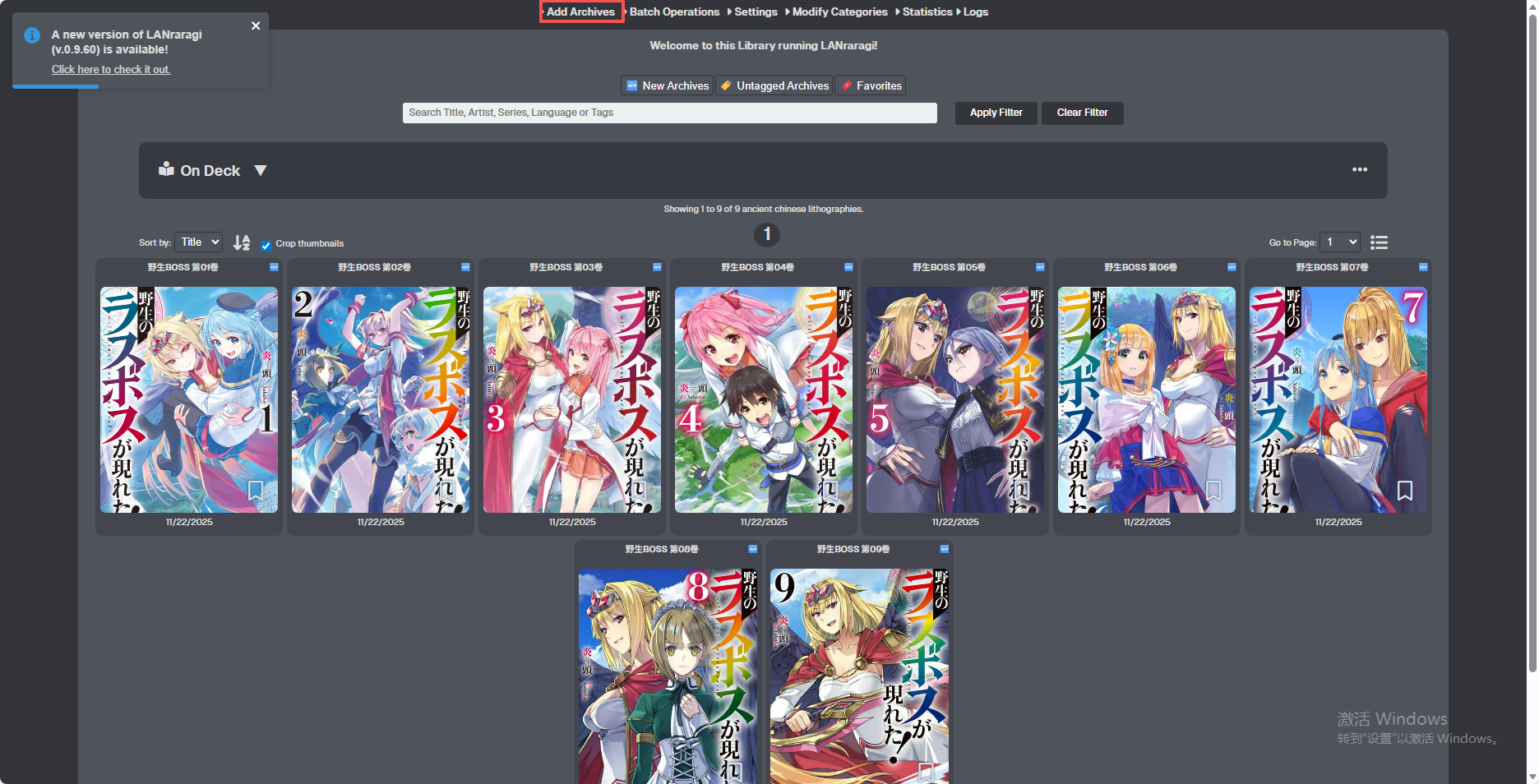
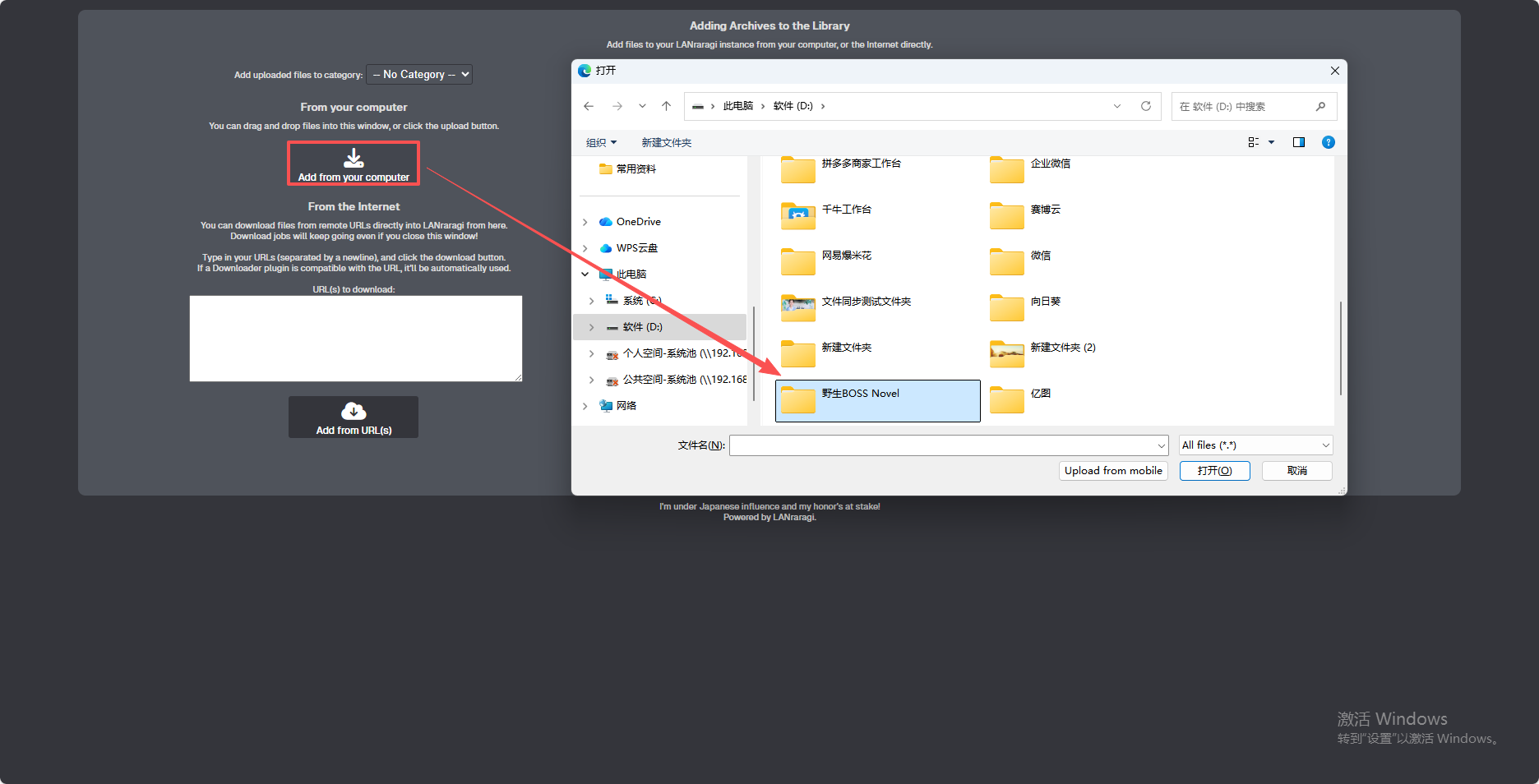
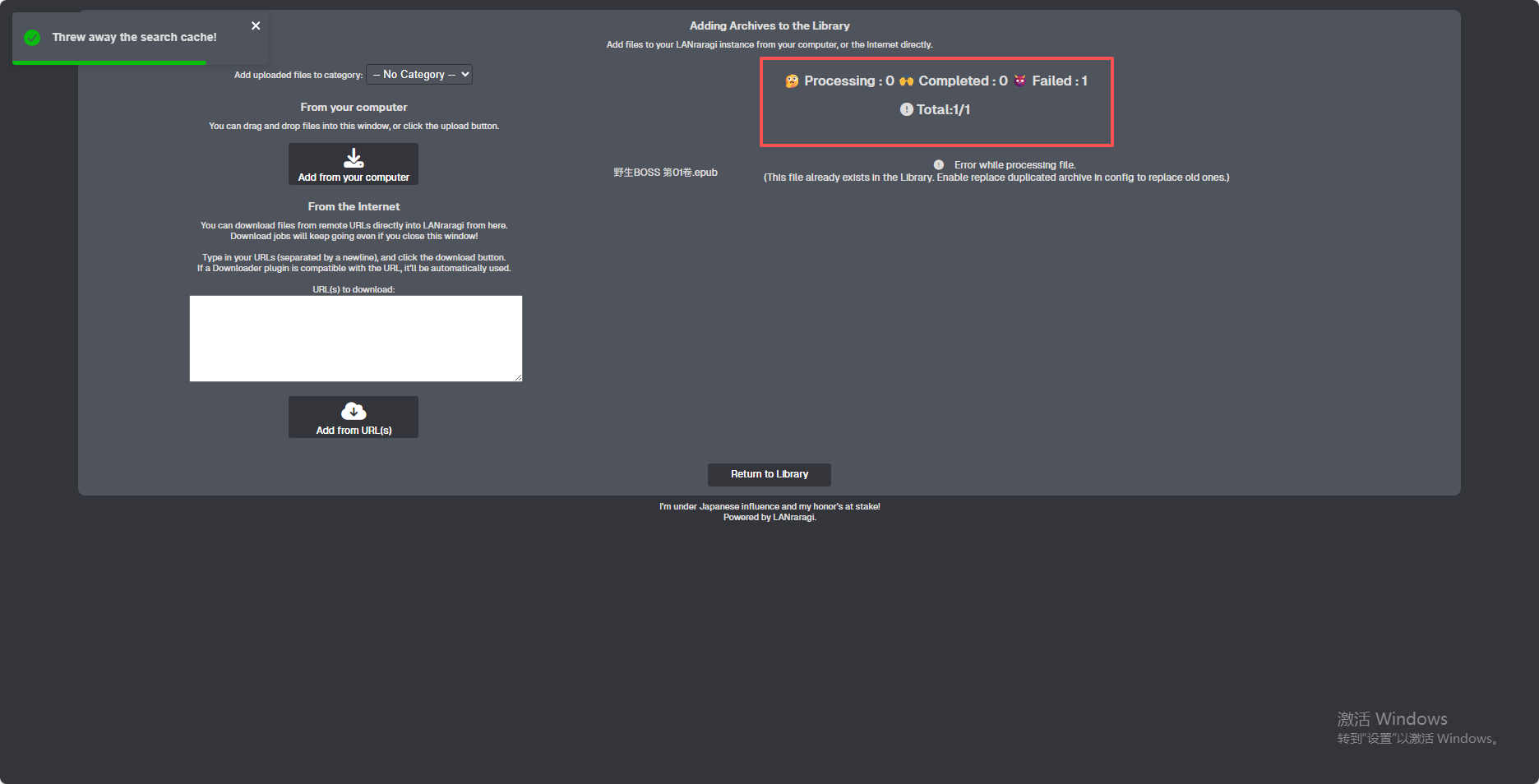
After a successful upload, a corresponding prompt will appear. Once the upload is complete, click "Return to Library" at the bottom to go back to the home page.
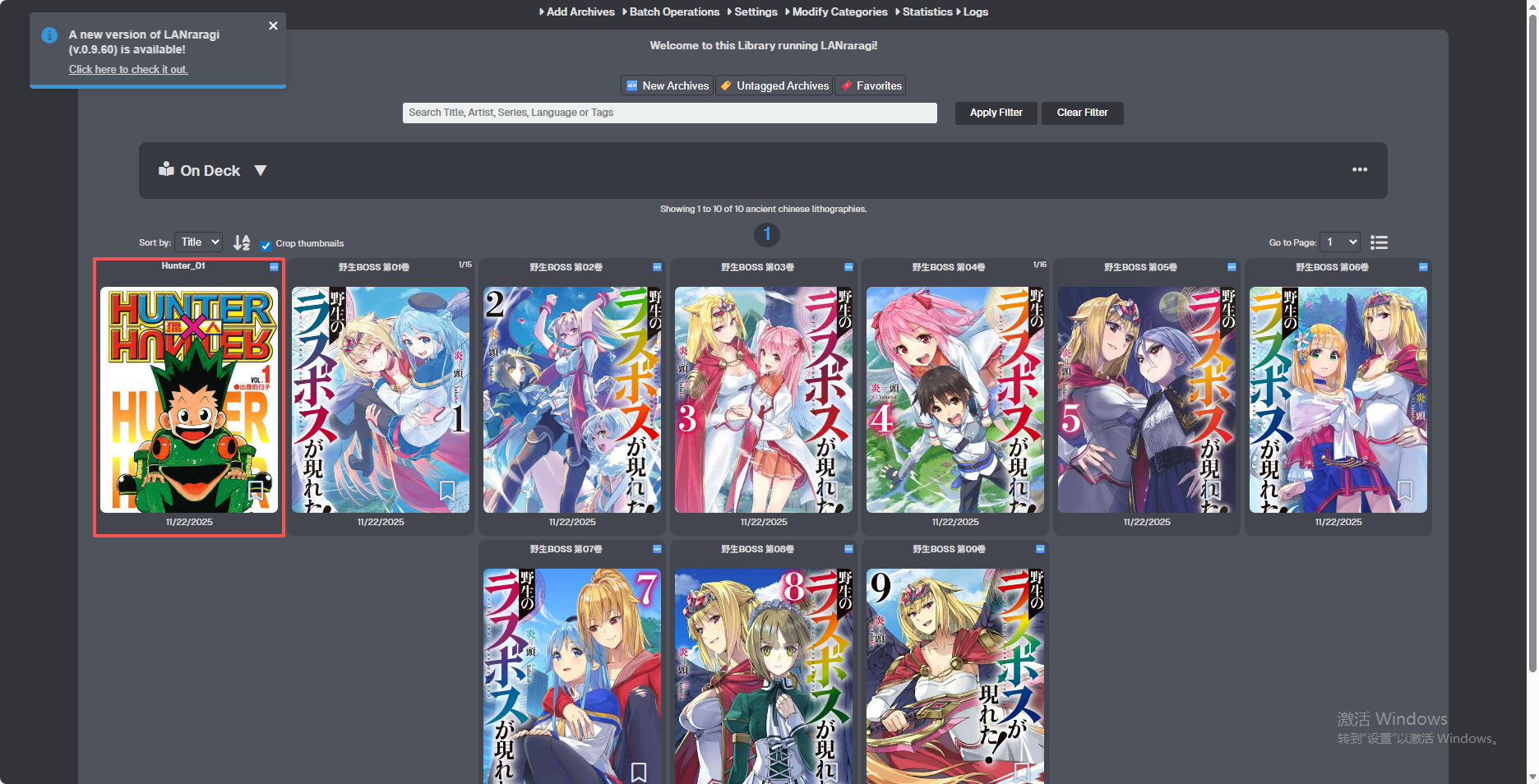
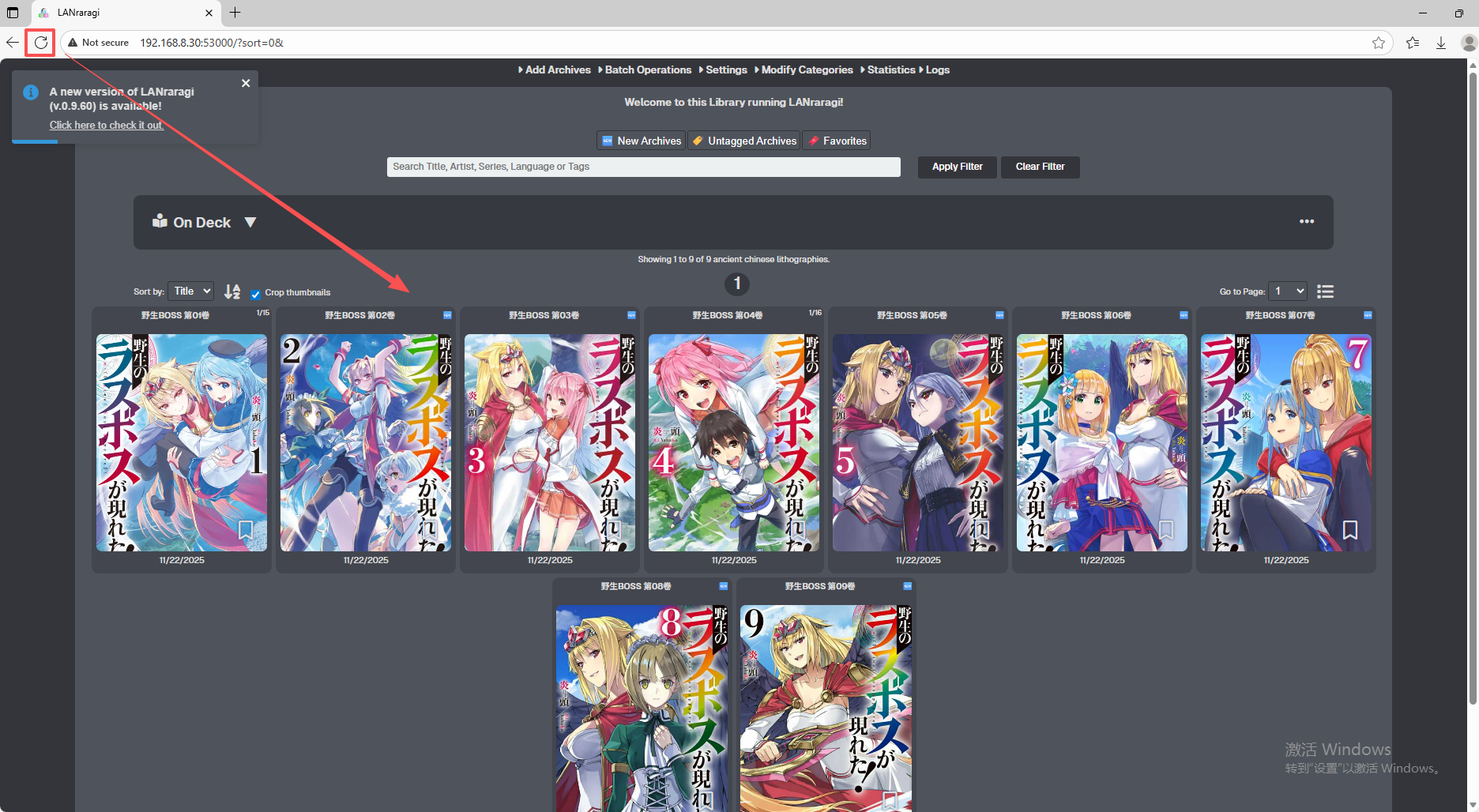
Click the refresh button in the upper-left corner, and after refreshing, you will be able to see the files you have uploaded.
(2)Upload via Cyber Cloud Software
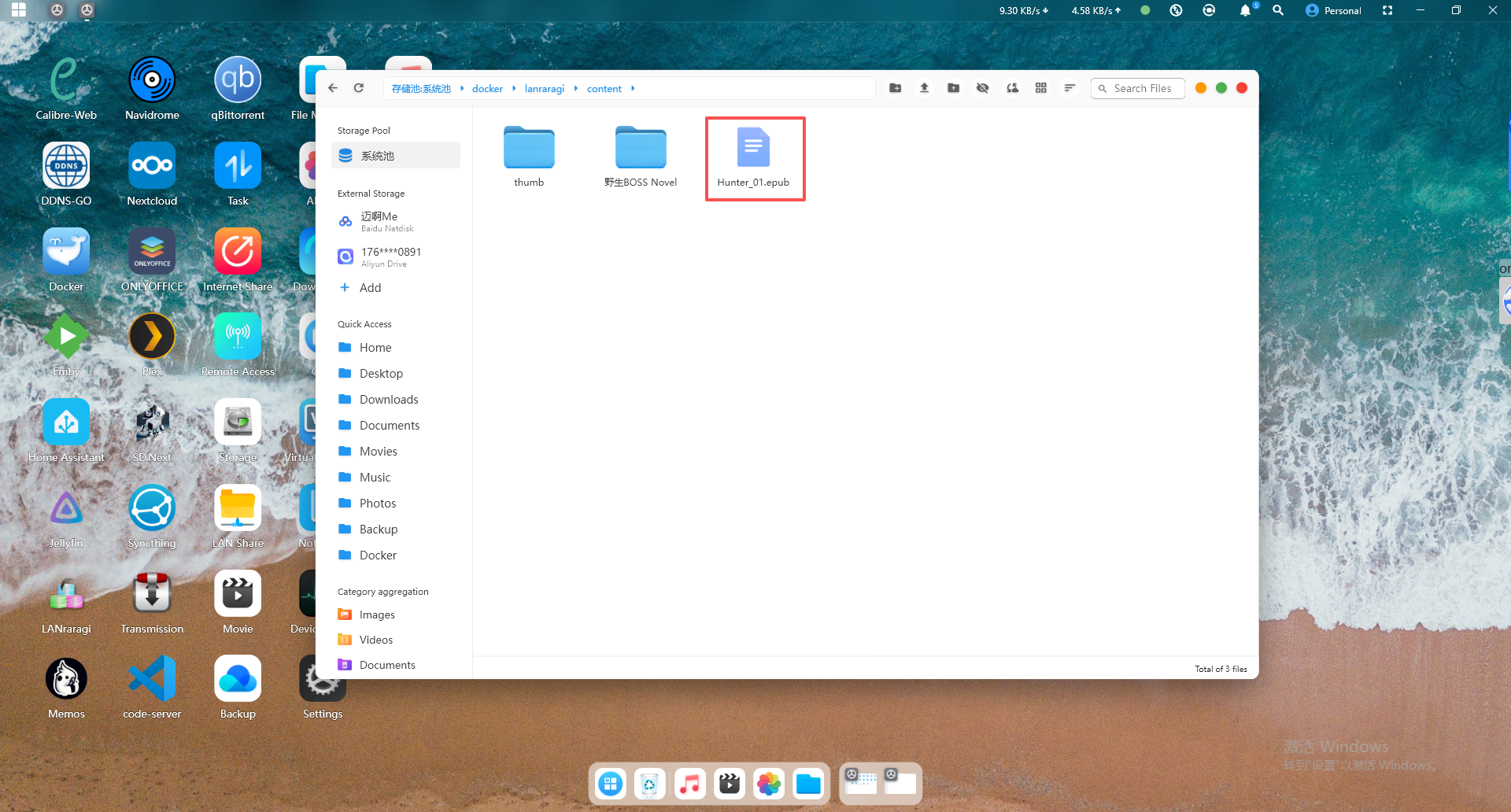
Open the Cyber Cloud software, go to File Management, and navigate through the following directory in sequence:
/ufi/pool-raw/syspool/docker/lanraragi/content
Then upload your files to this directory.
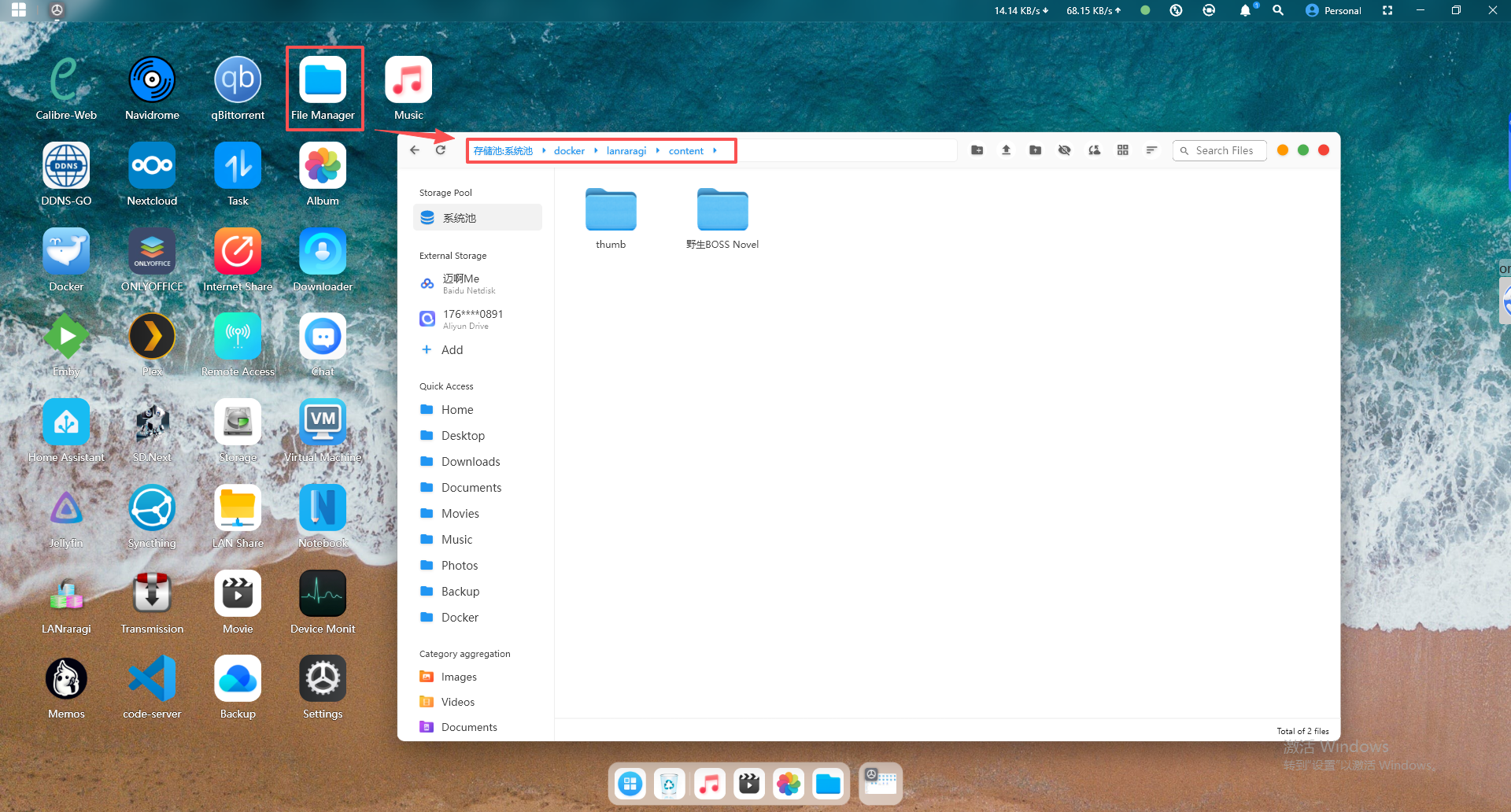
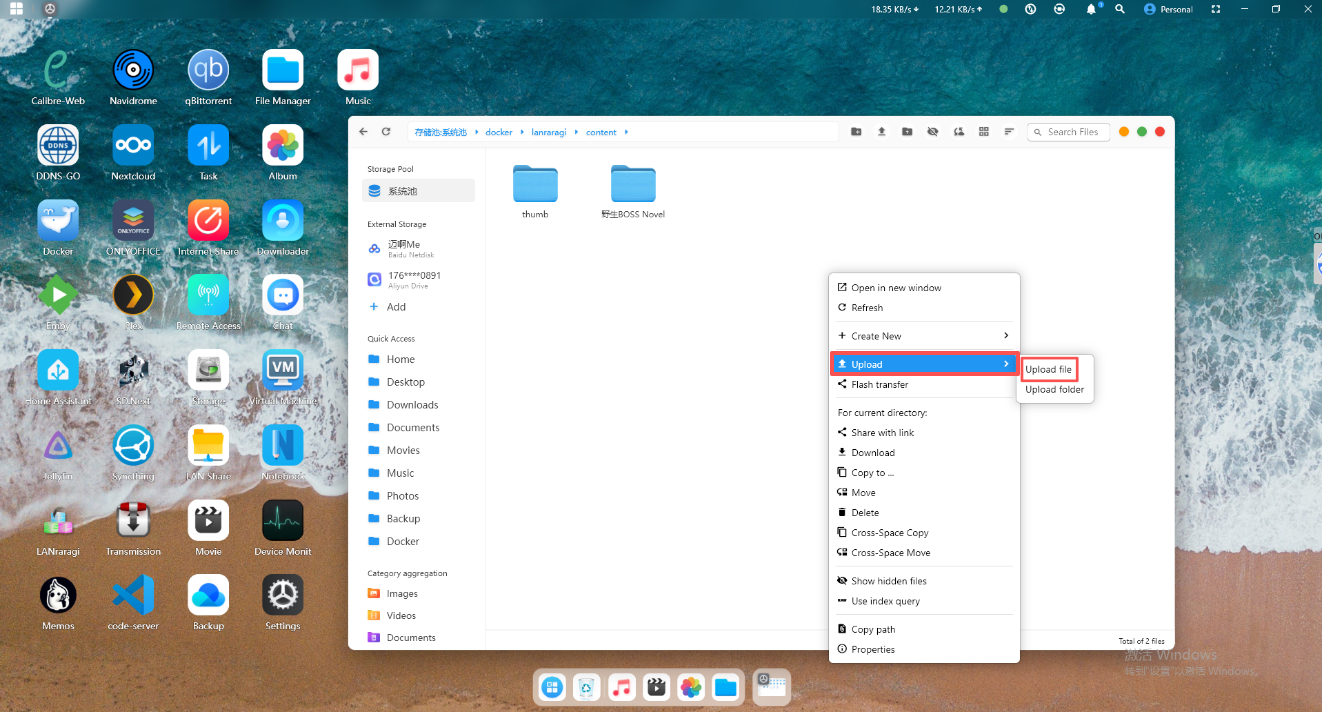
After the upload is complete, return to the web interface and refresh the page to see your uploaded files.