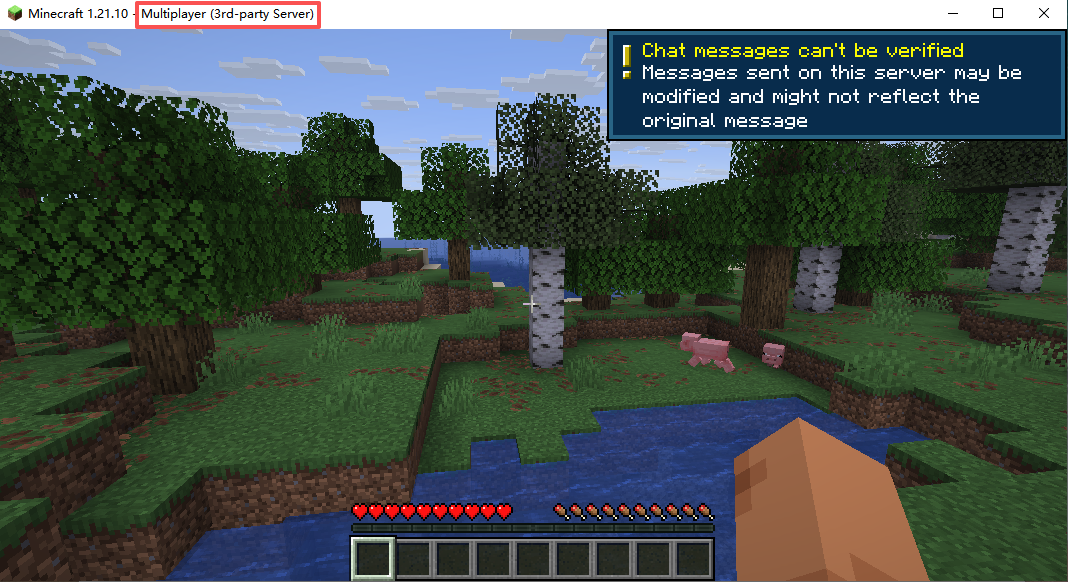


First of all, users of this image should know that Minecraft is a world-renowned sandbox game that allows players to create and explore in a virtual world. The Minecraft Server is a multiplayer server image for Minecraft, enabling multiple players to connect and play together in the game. It provides a world where you can build, expand, and explore alongside other players.
itzg/docker-minecraft-server is a Docker-based Minecraft server image project that simplifies the deployment and management process of Minecraft servers. With this image, users can easily run a Minecraft server in various environments without the need to manually download and configure server files.
Install Minecraft Server from the Featured Images section.
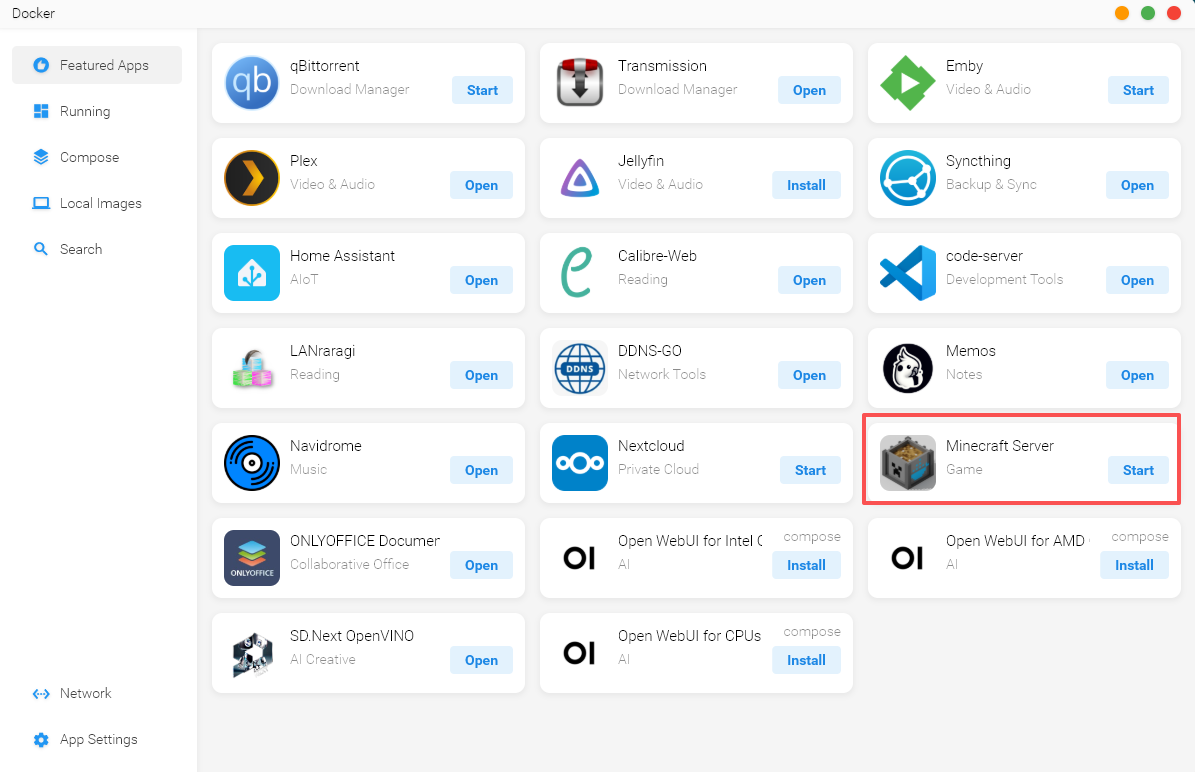
After the download is complete, click "Start".
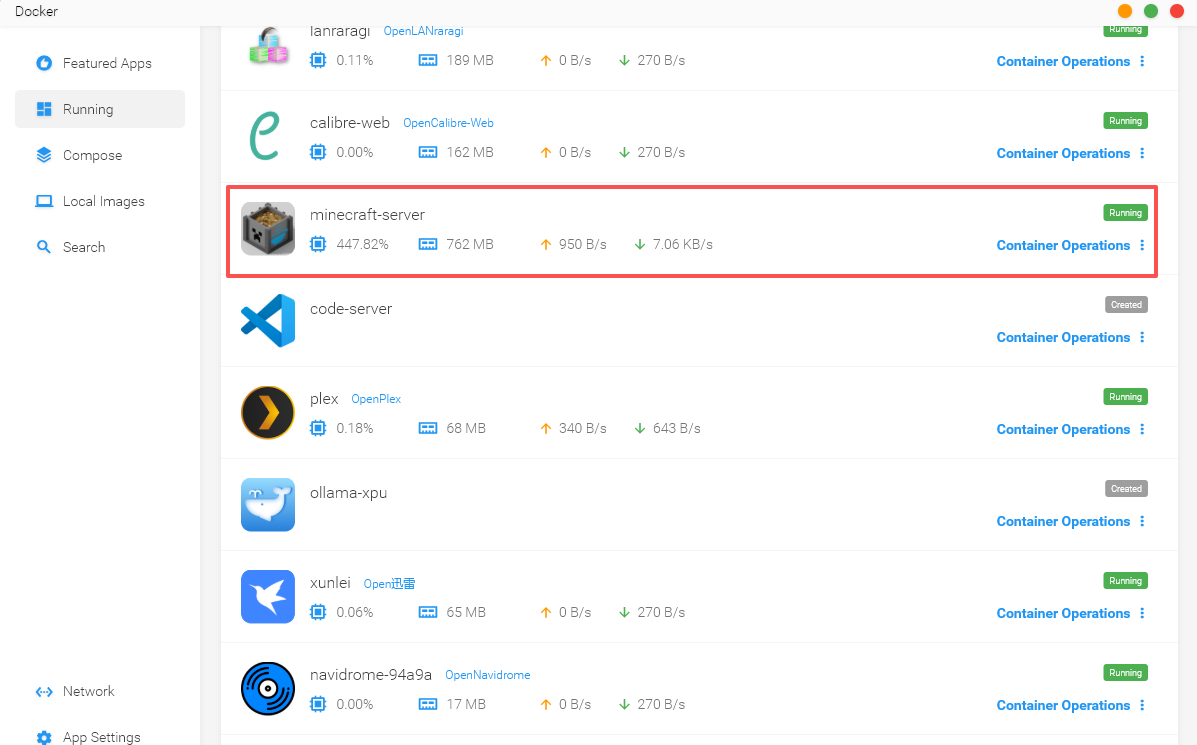
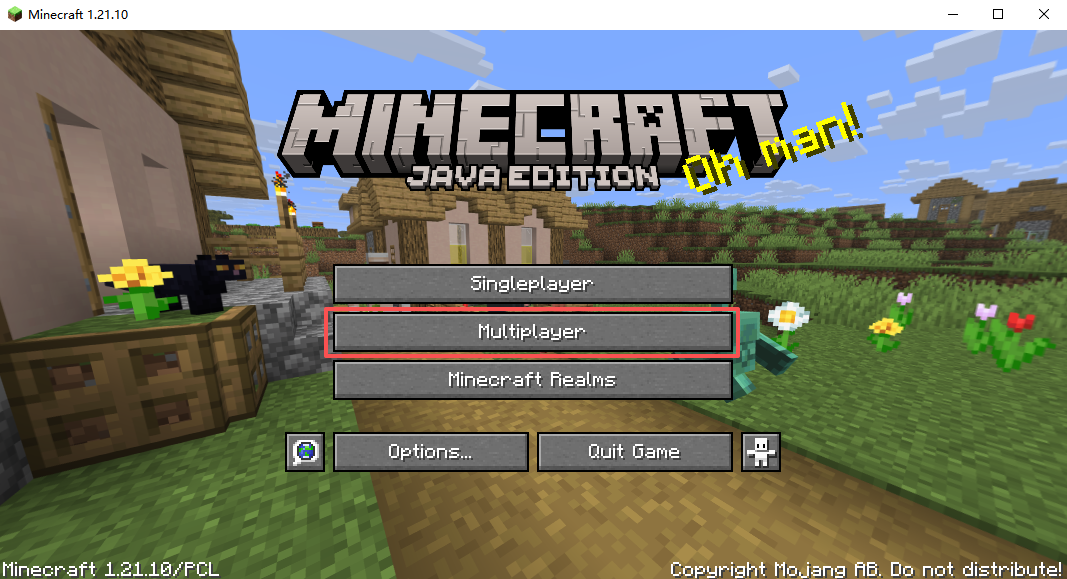
Then open Minecraft and click "Multiplayer".
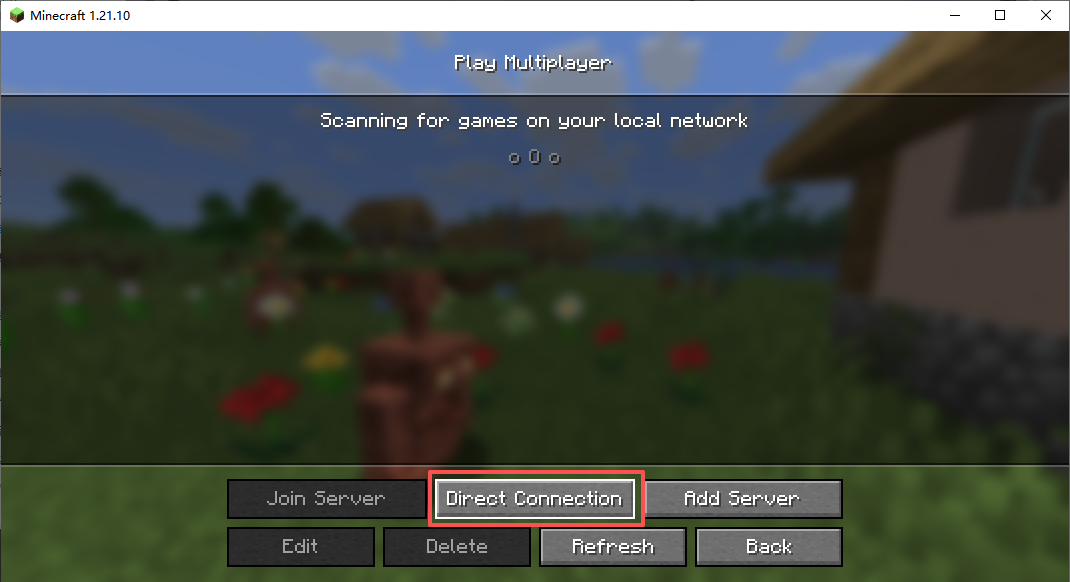
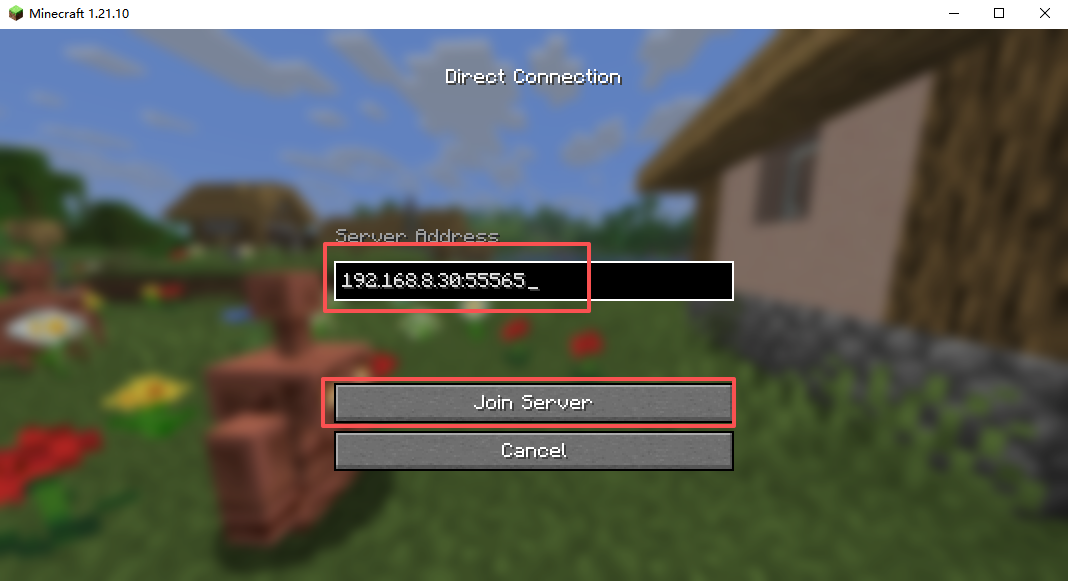
Enter the NAS IP address and port number 55565.
For example, my IP here is 192.168.8.30.
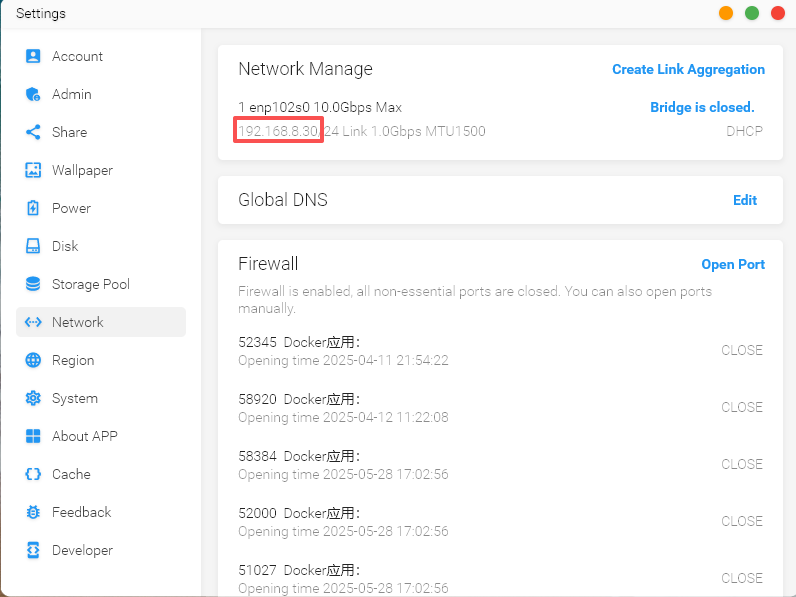
In the game, enter 192.168.8.30:55565.