

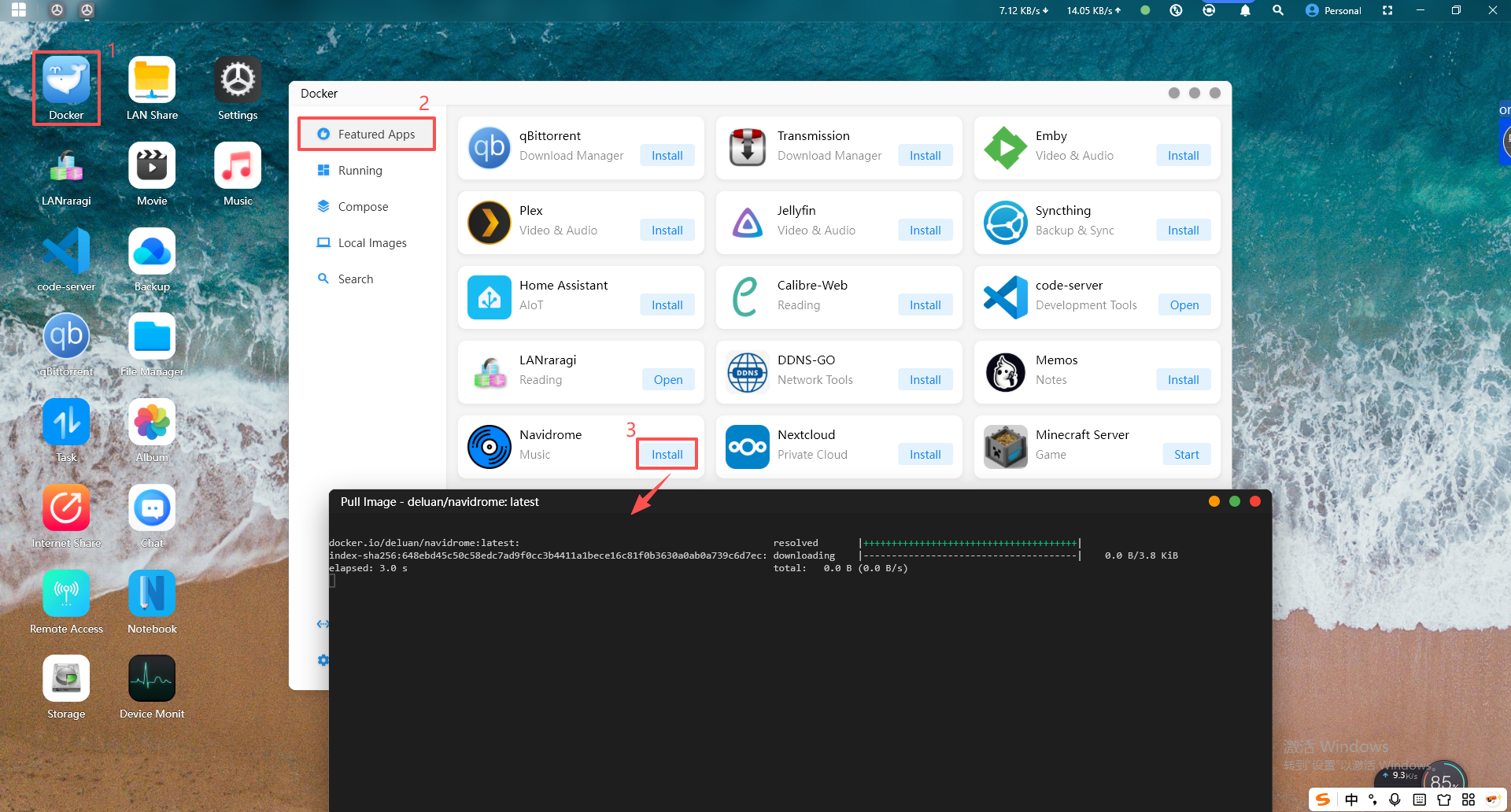
Navidrome is an open-source, web-based music library server and player.
It allows you to freely listen to your music collection from any browser or mobile device. It's like having your own Spotify!
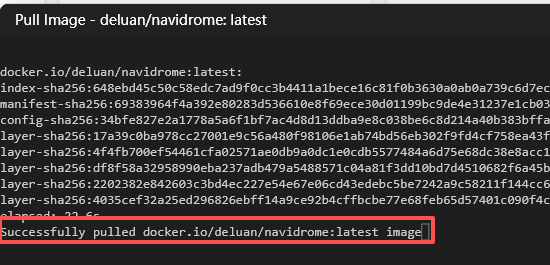
2.When "Successfully" appears, it means the pull was successful.
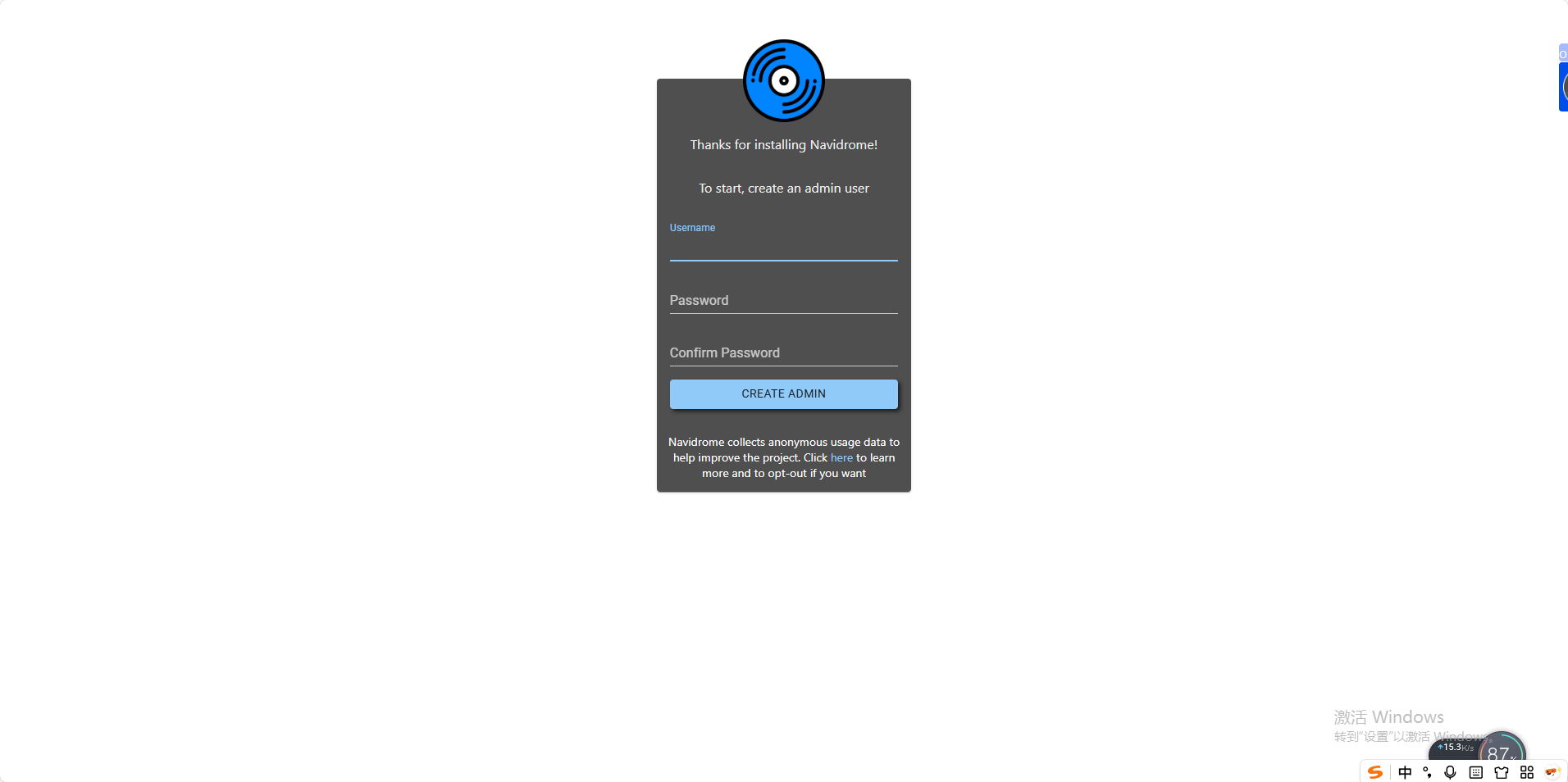
3.Click the "Start" button to launch the container. After a successful startup, click the "Open" button and you will be automatically redirected to the web UI interface. First, create an administrator account by entering a username and password, then click the "Create Admin" button below to complete the creation.
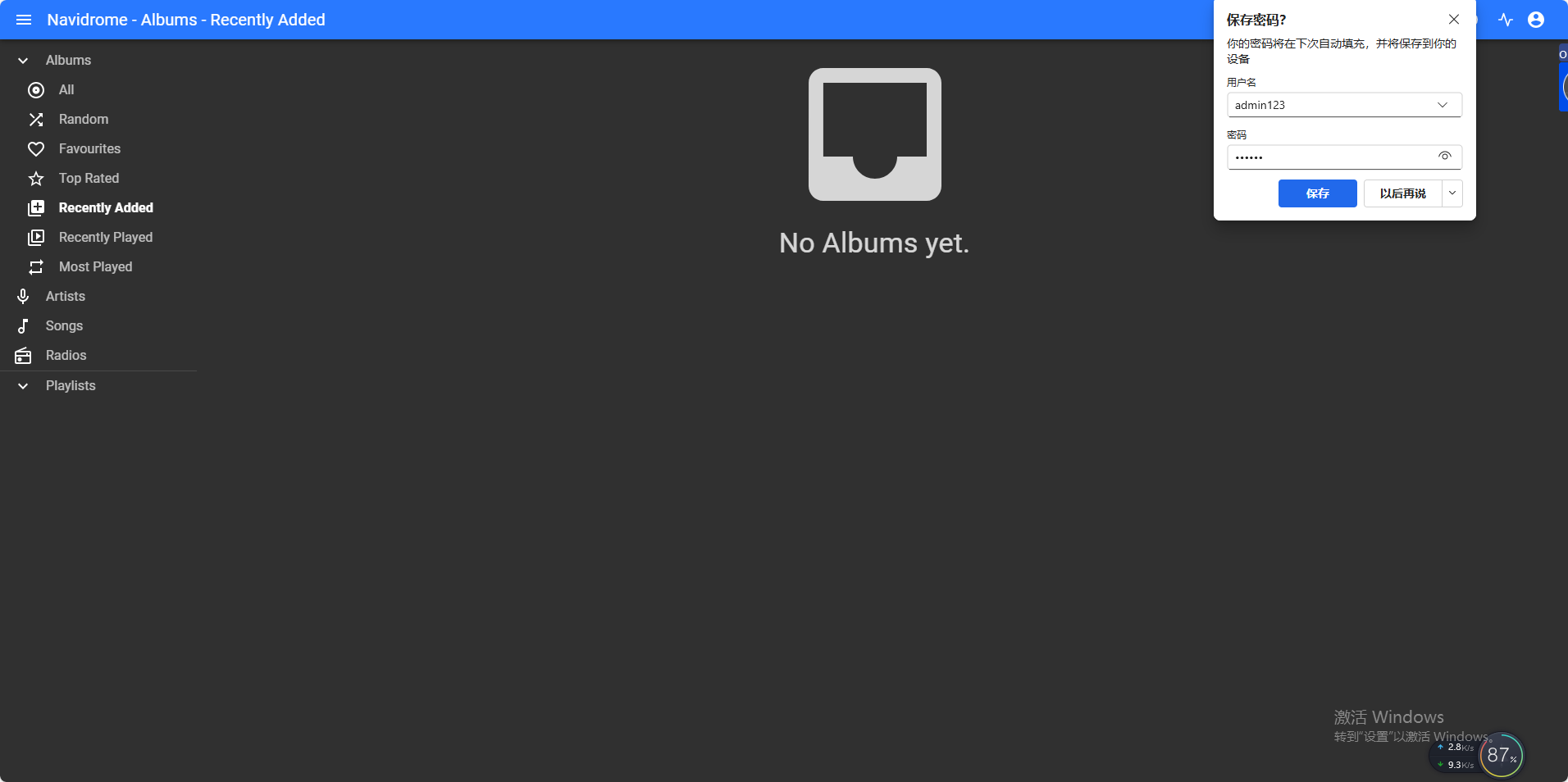
4.After logging in successfully with your username and password, you will see that the library is empty. This is because you have not yet uploaded any audio files to the /ufi/pool-raw/syspool/docker/navidrome/music directory.
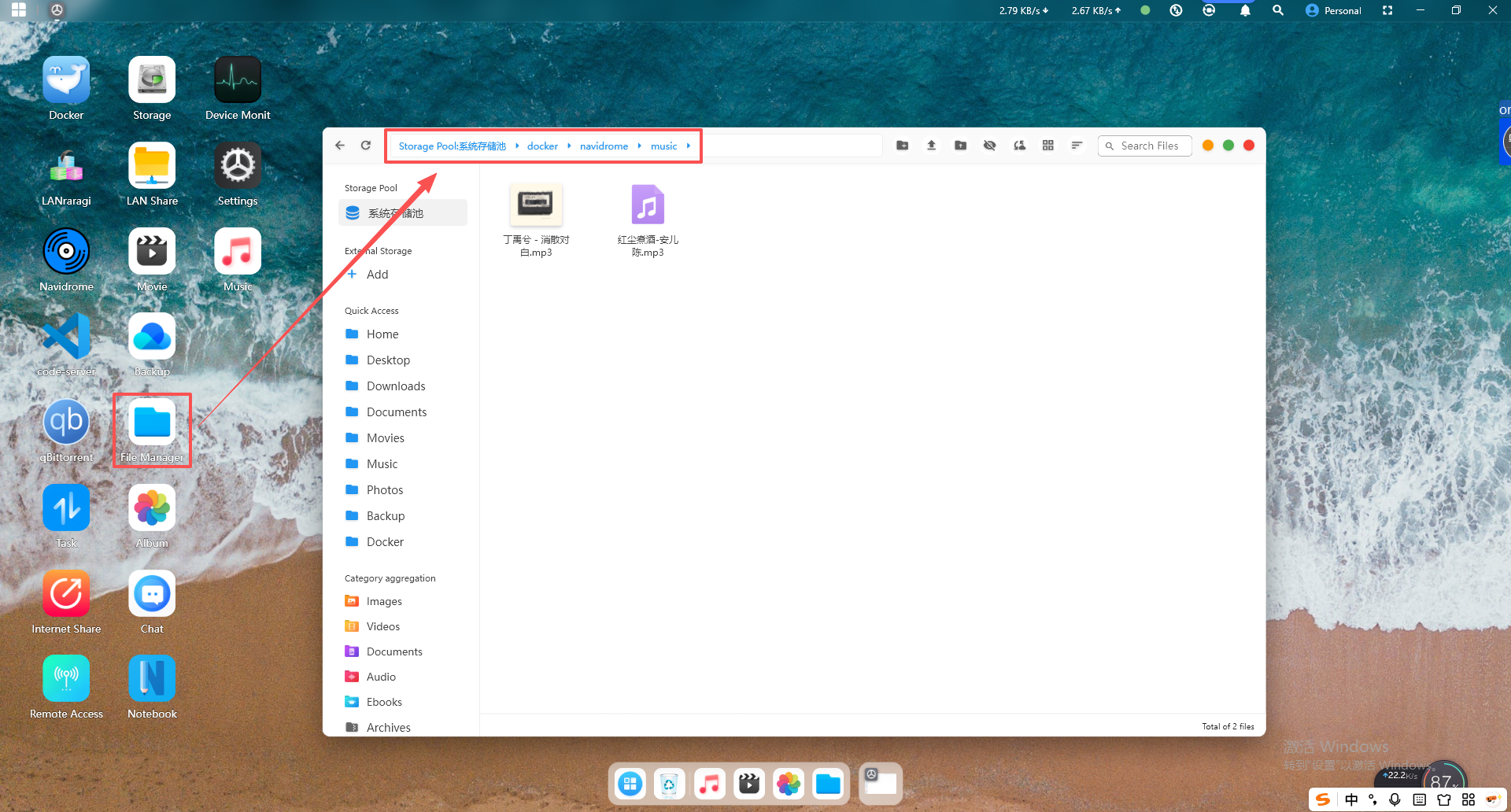
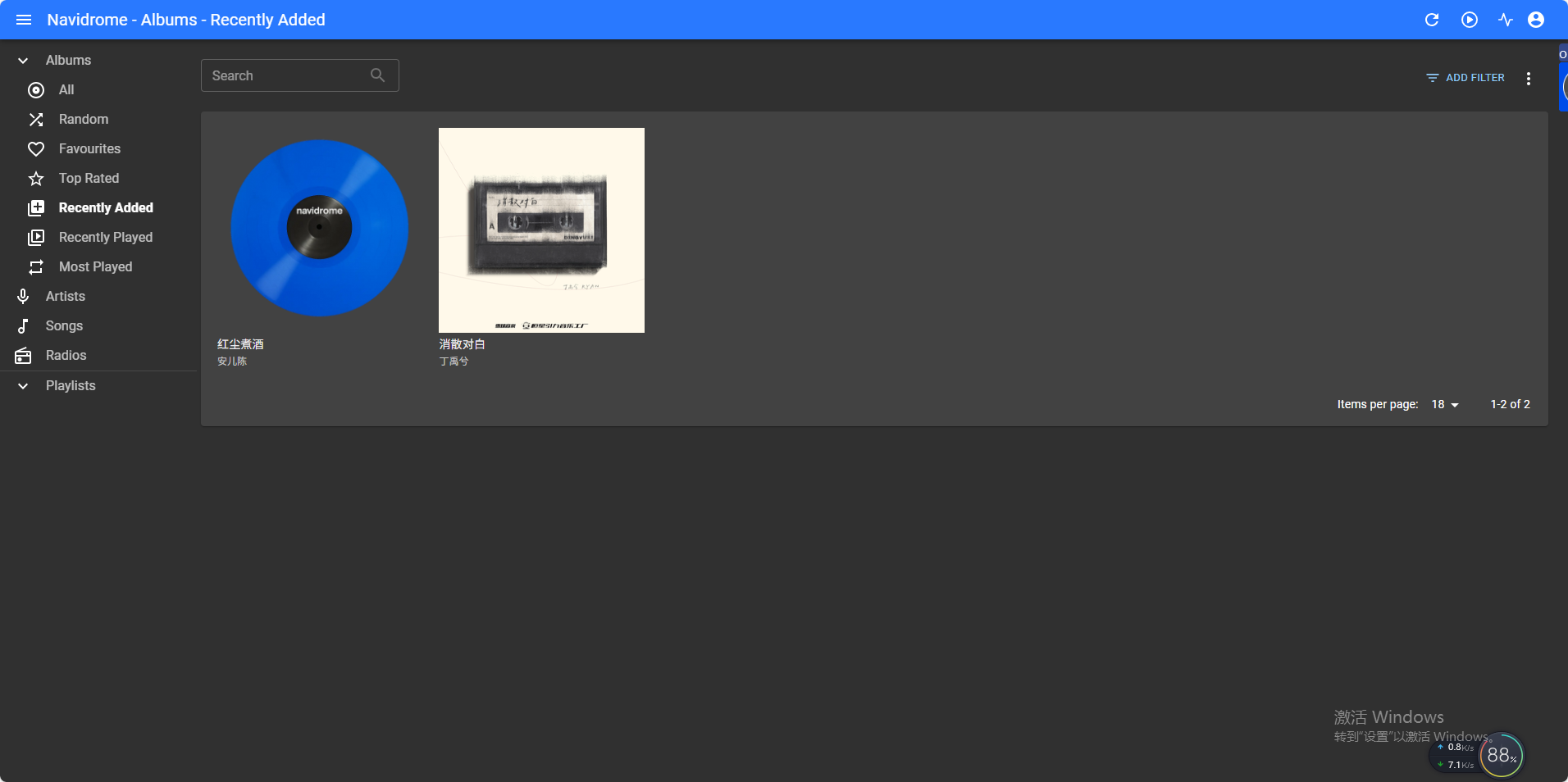
5.Return to the Cyber Cloud software, click File Management -> docker -> navidrome -> music, and upload your audio files to this directory. They will then appear on the web UI interface.
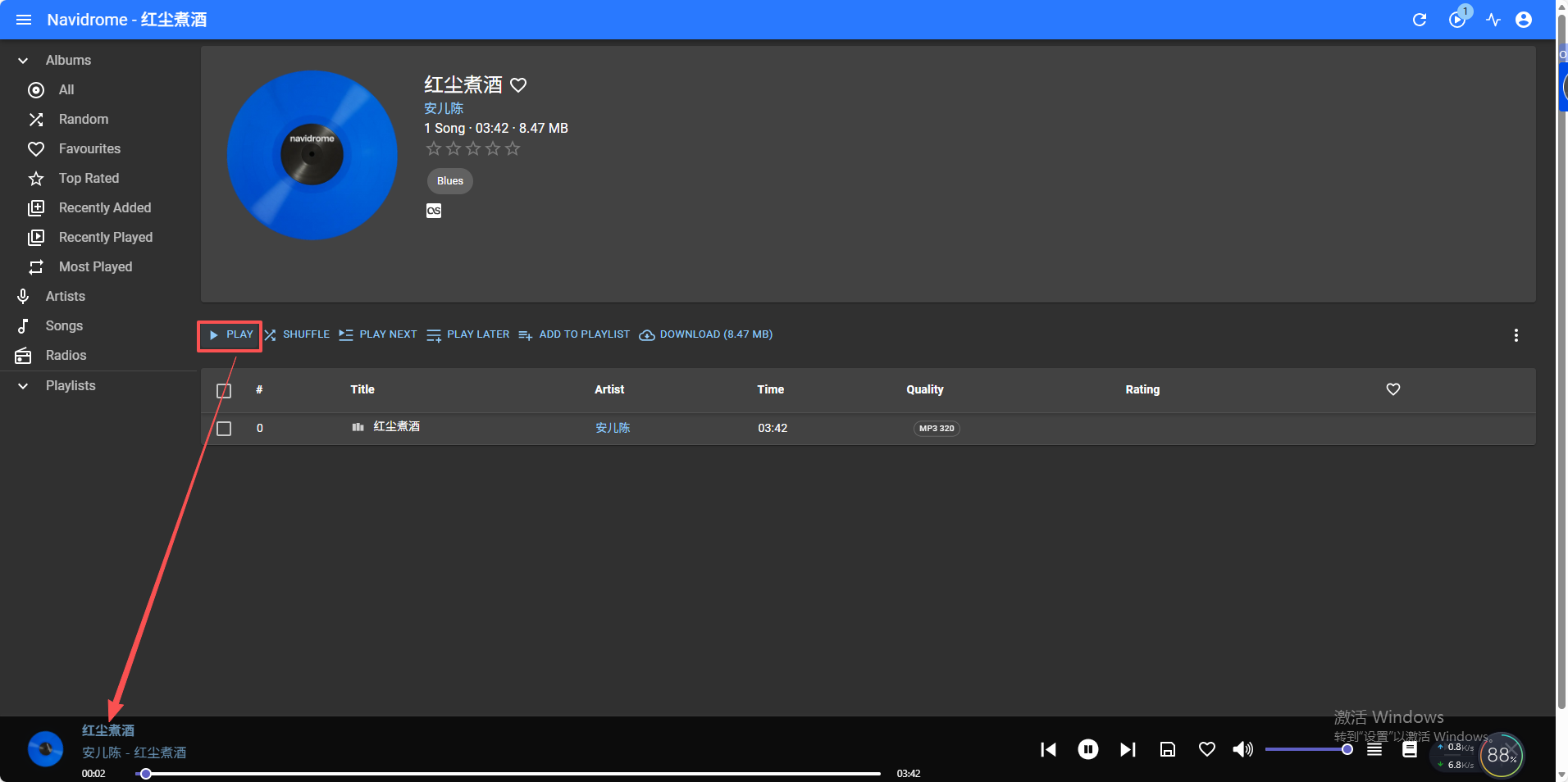
6.Simply click on any audio file, then click "Play Now", and you will see the playback status displayed at the bottom.
7.How to Add Other Users
Click the profile icon in the upper-right corner and select "Users". Once you enter the users interface, click the "+ New" button to create a new user.
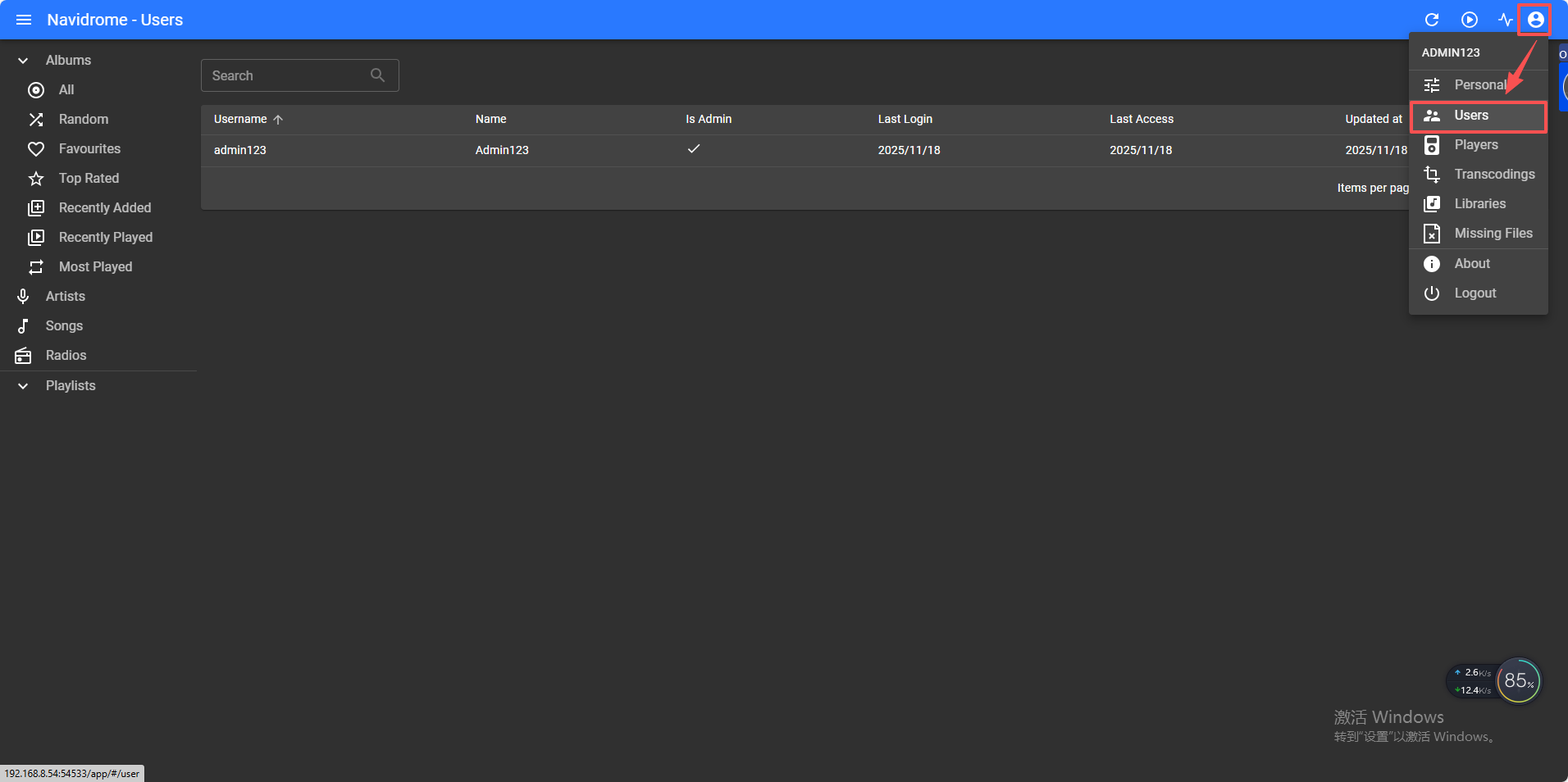
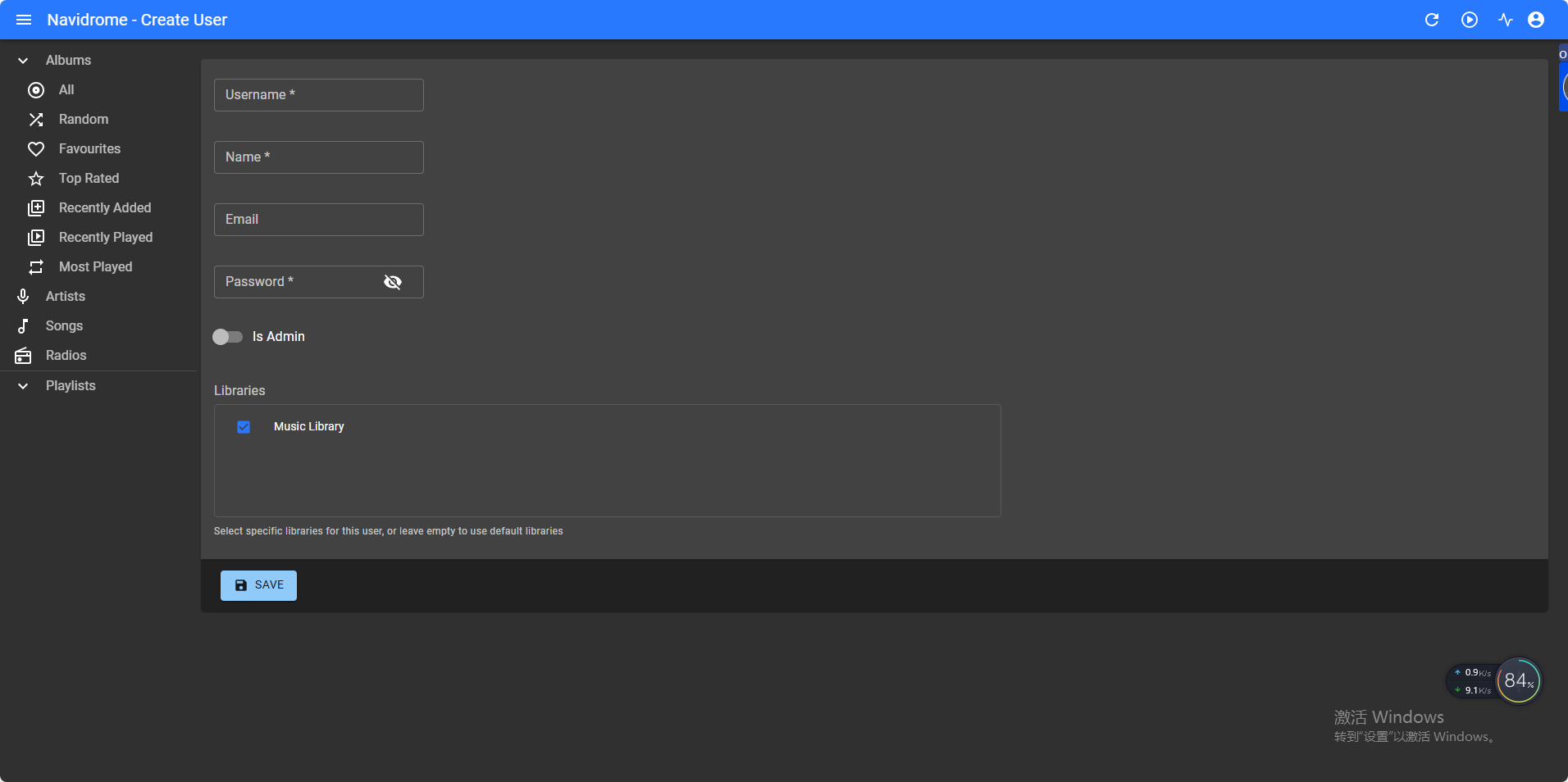
Enter the username, display name, and password, specify whether the user is an administrator, then click "Save" to complete the creation.