

Transmission is a lightweight, open-source BitTorrent client that supports cross-platform downloading, remote management, and encrypted transmission, with a clean and user-friendly interface.
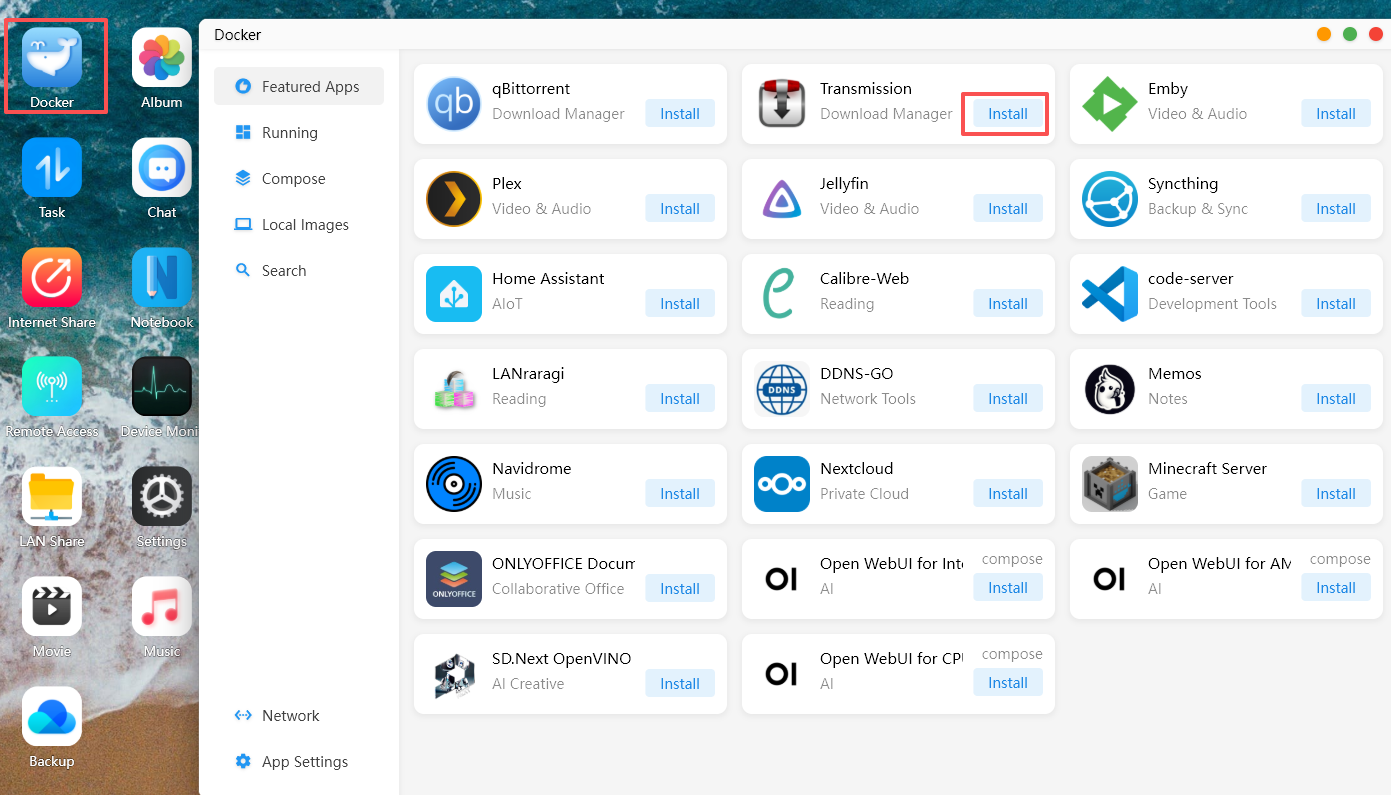
① In the Cyber Cloud system, open Docker > Featured Applications and click "Install" on Transmission.
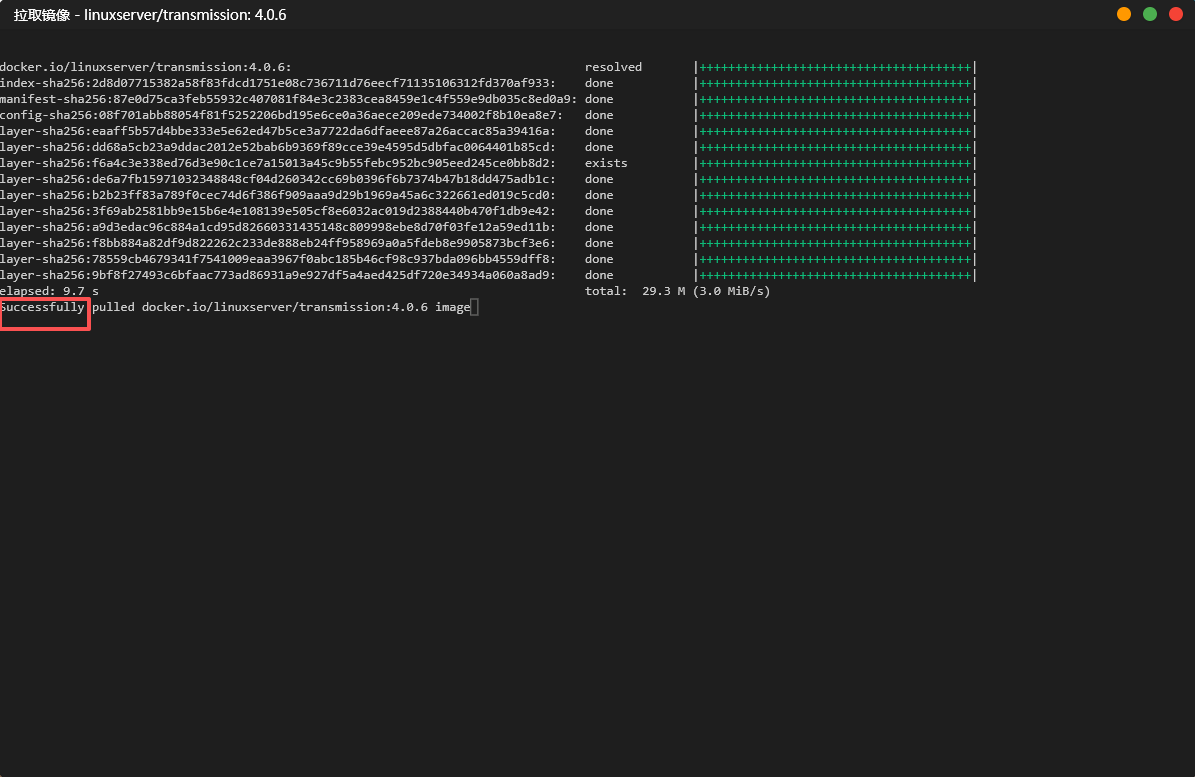
After the deployment is complete, the word "Successfully" will appear.
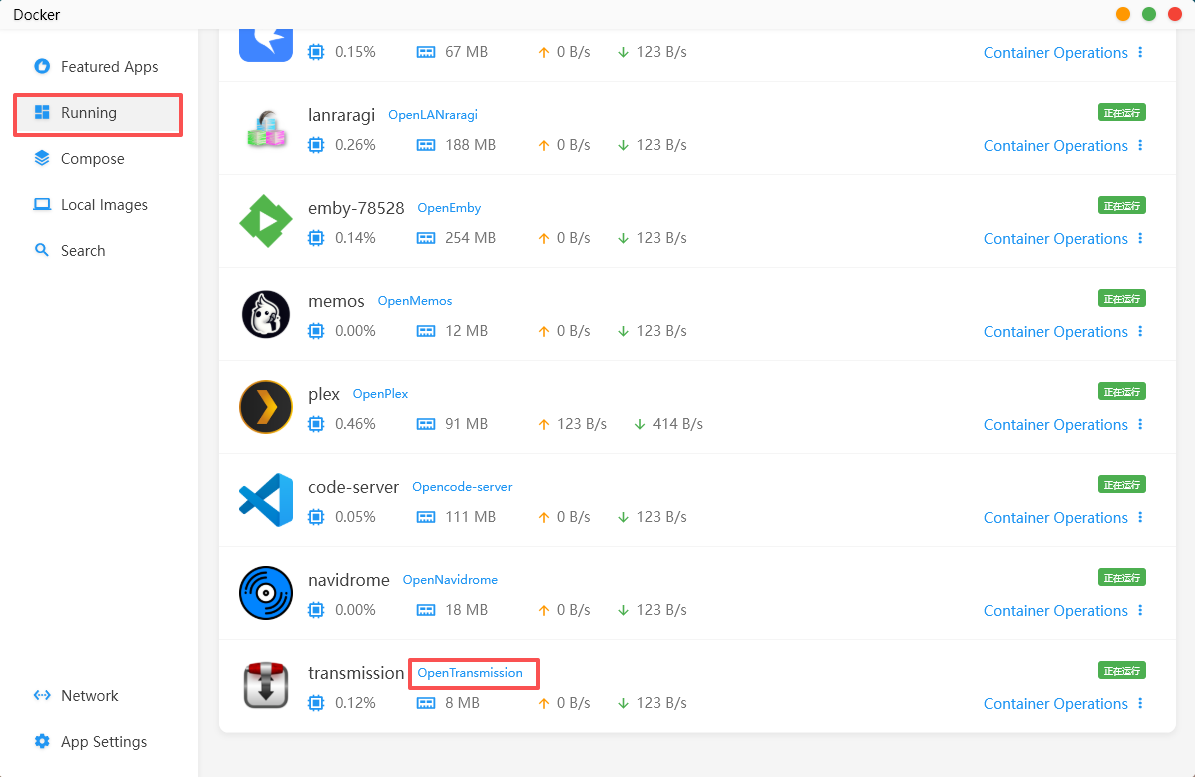
Click "Running" and then "Open" on Transmission.
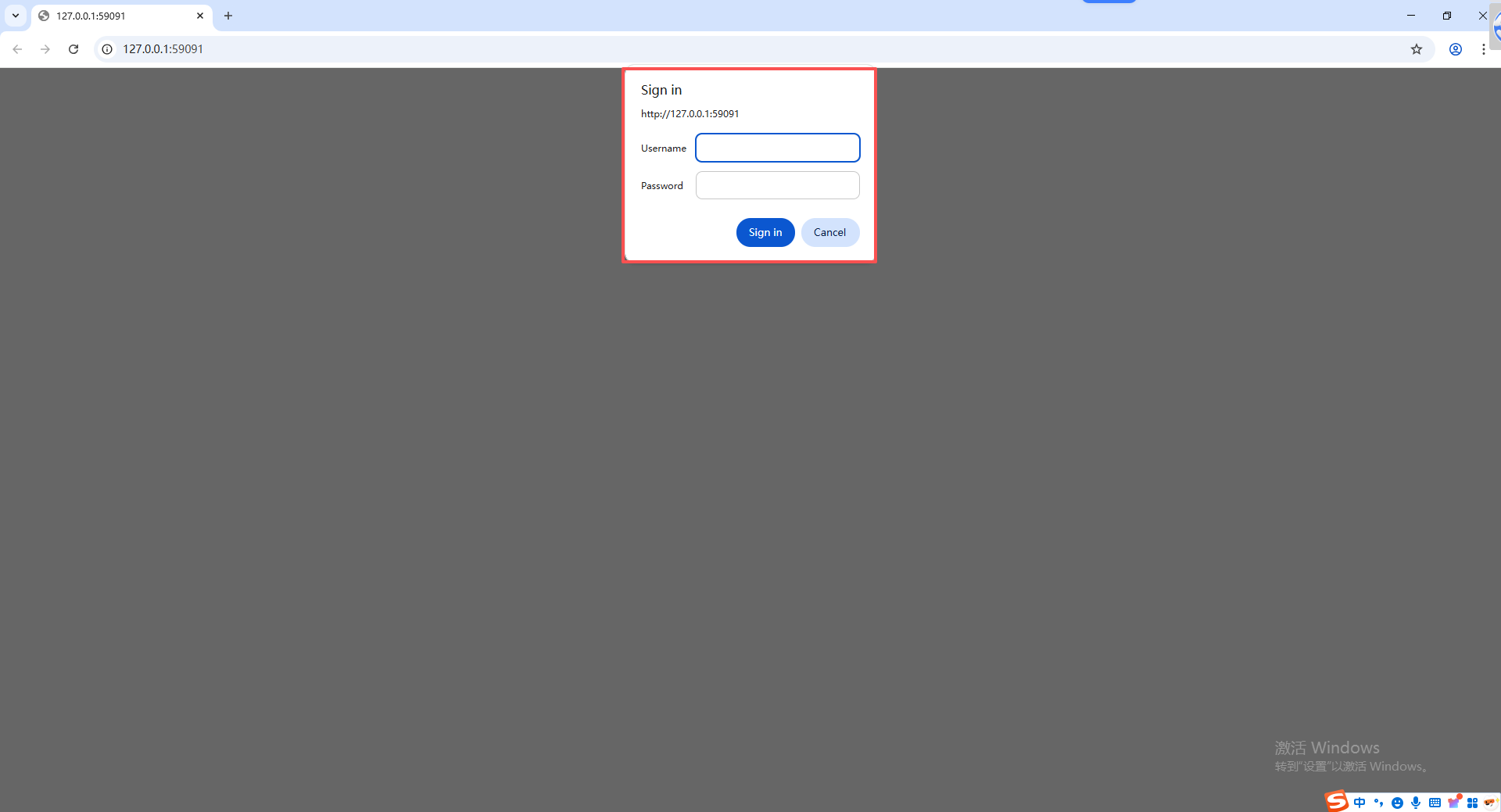
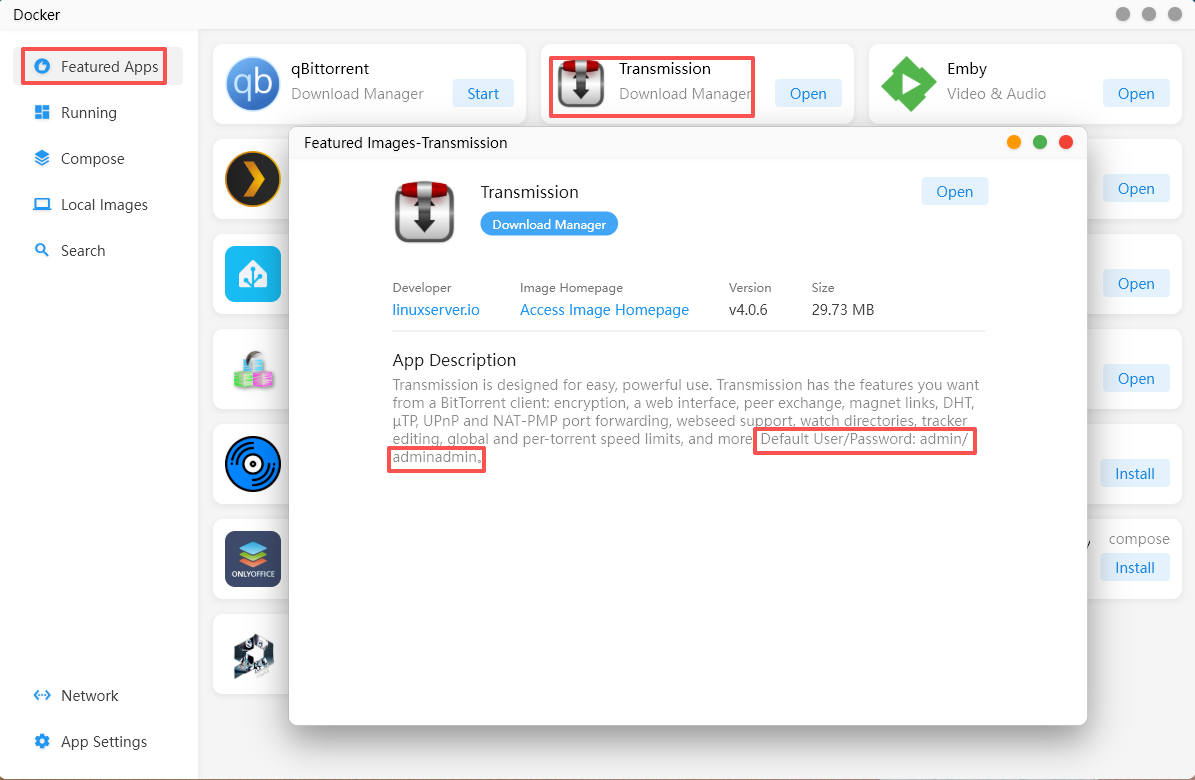
When redirected to the Transmission website, you will be prompted to enter a username and password. Return to Docker, click on the Transmission application, and you will be able to view the username and password.
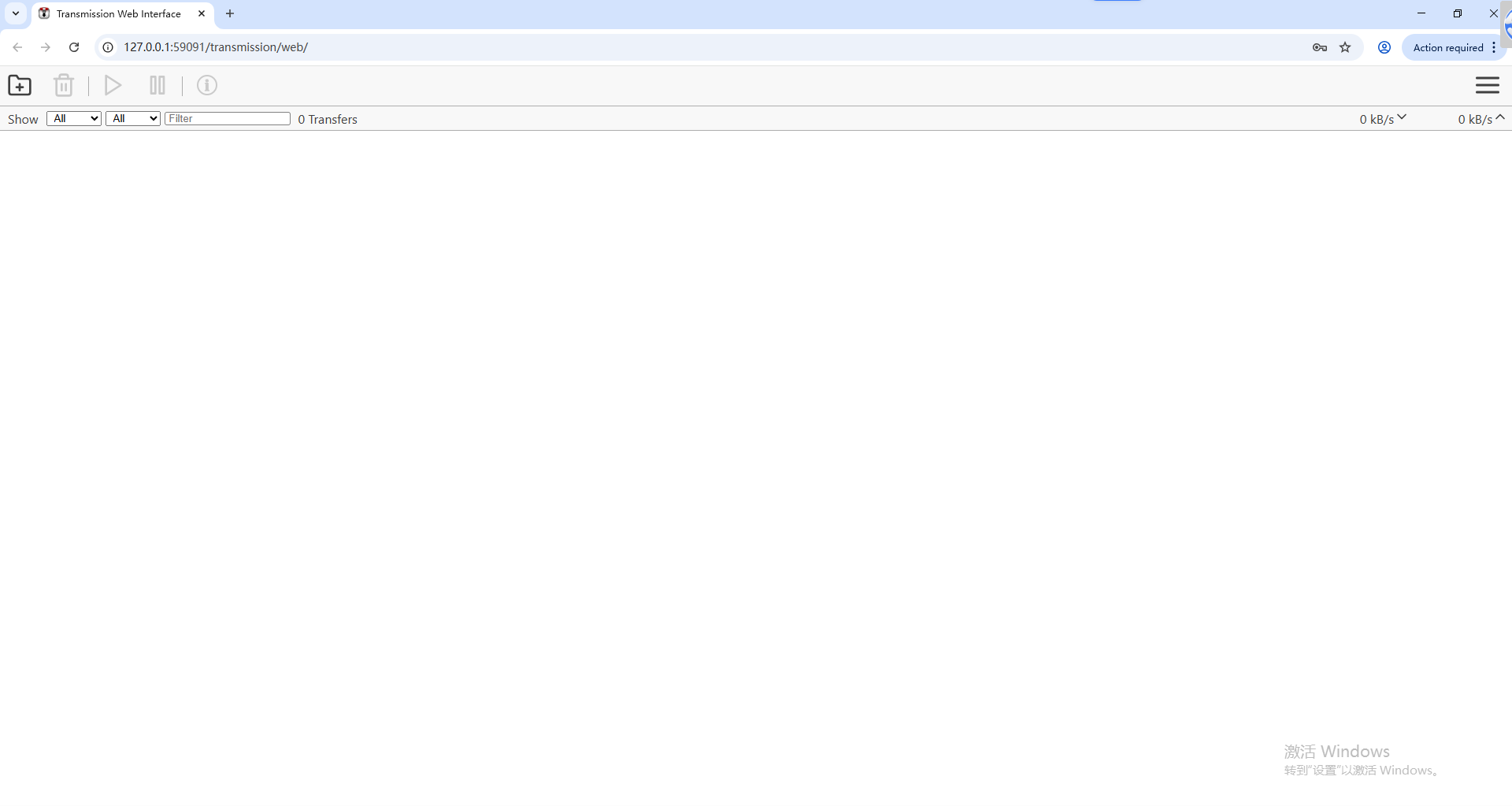
After entering the username and password, you will be able to access the Transmission page.
Adding Download Tasks
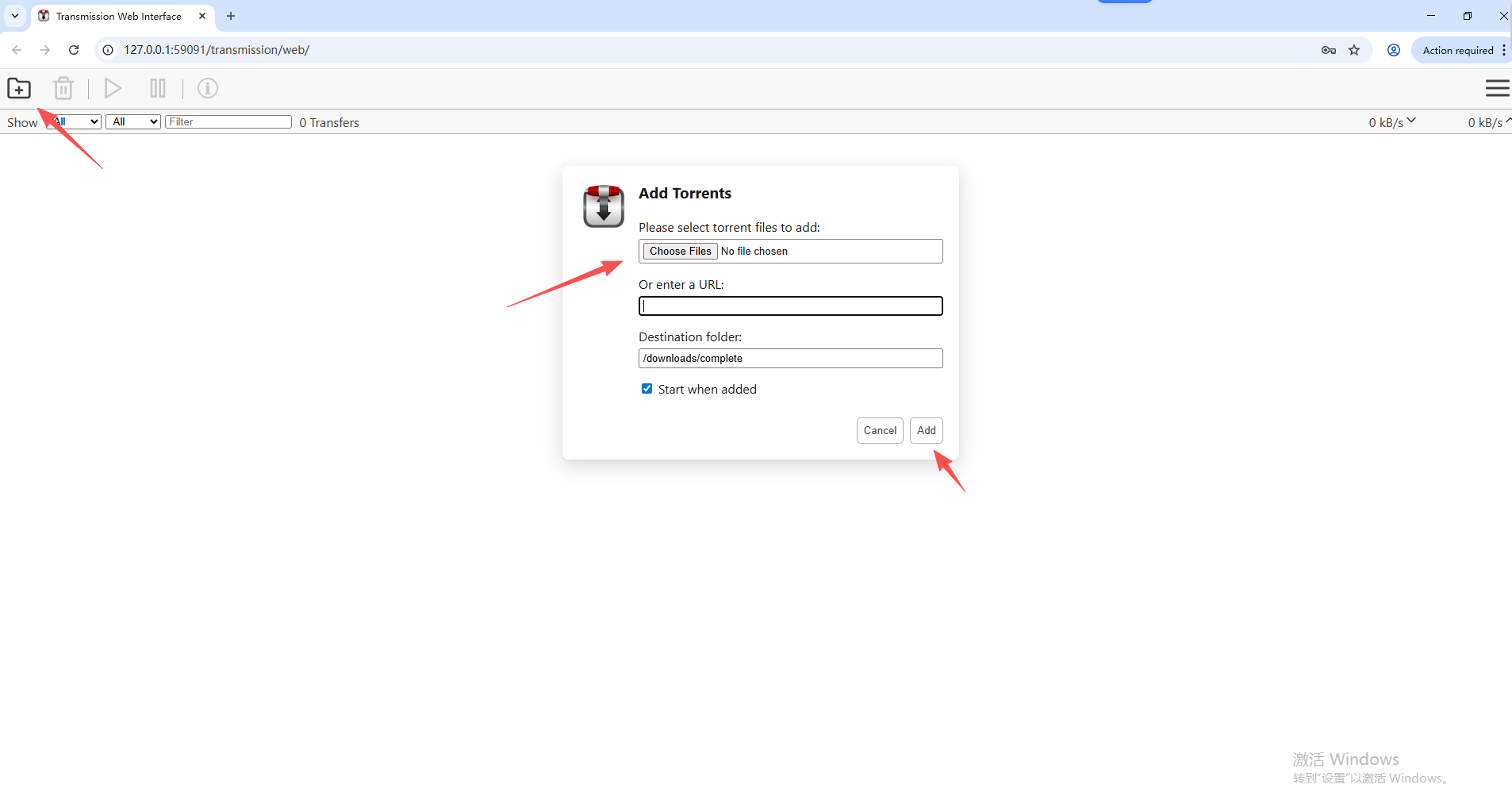
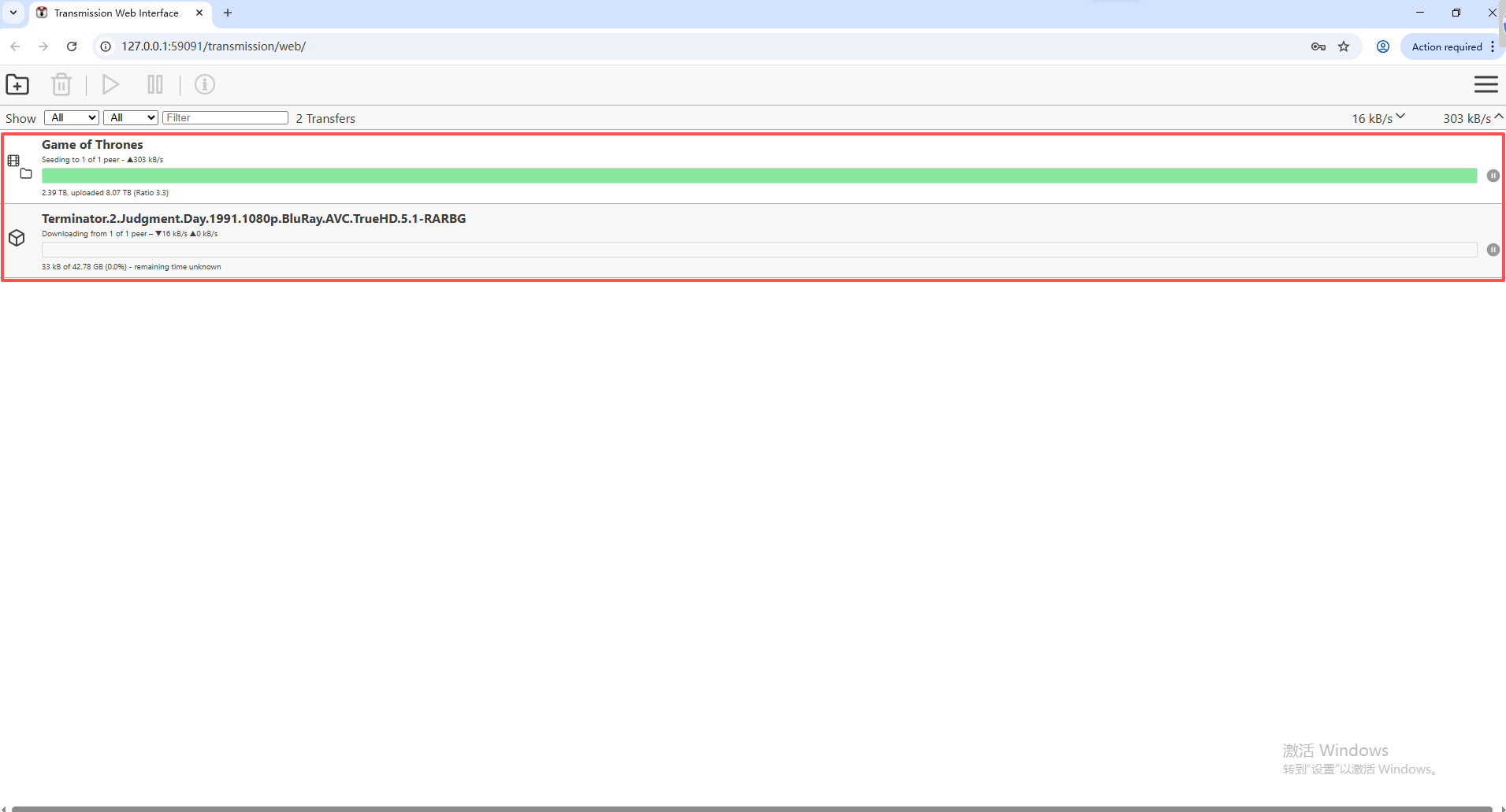
Click the "Add" button in the upper-left corner to add a torrent file or torrent link for download. Once added successfully, you can view the download progress.