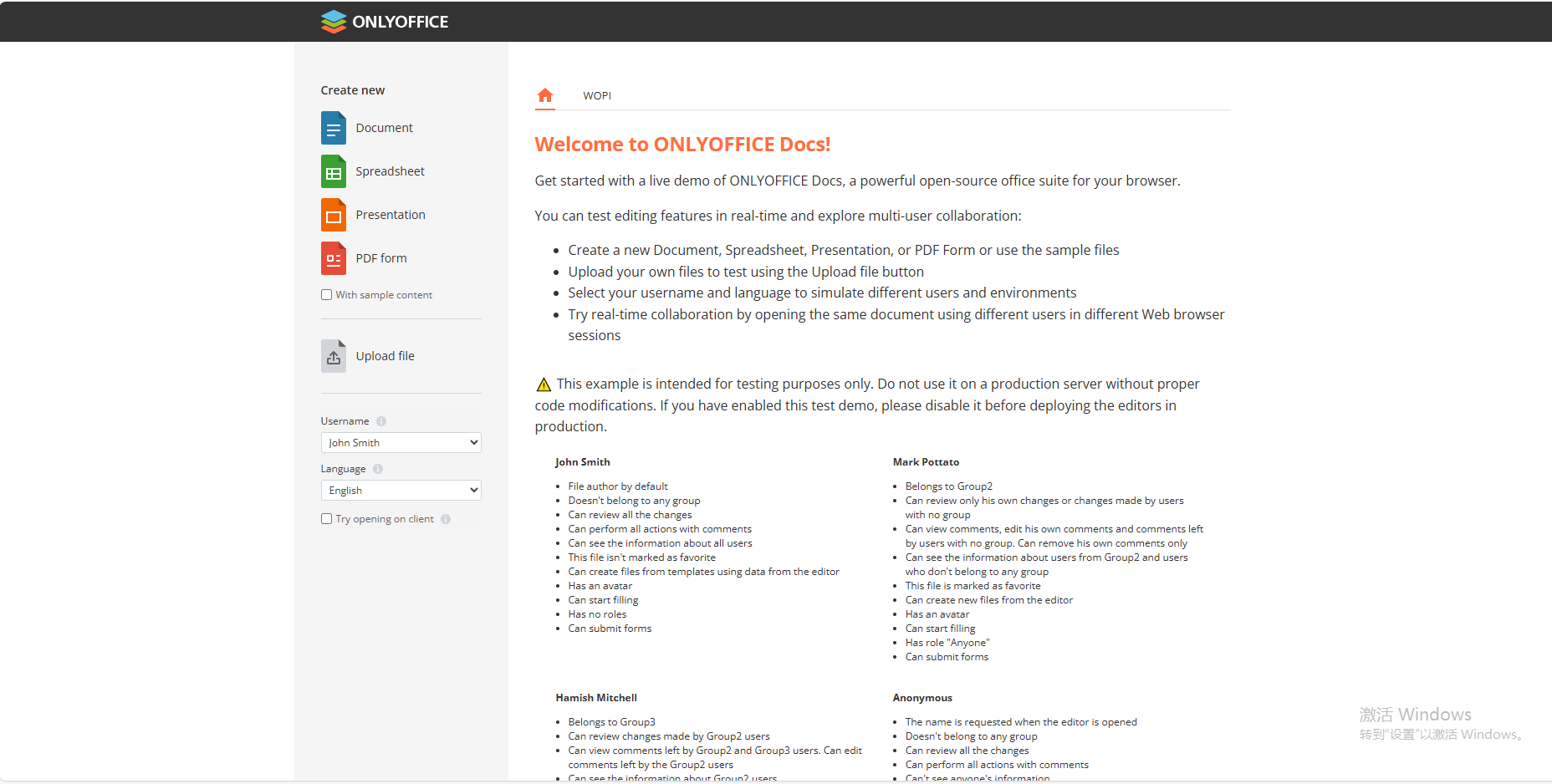


The OnlyOffice image is an open-source online collaborative office suite that integrates document editing, spreadsheets, slide presentations, and other collaboration tools. It provides different versions of online document editors to meet the needs of various users.
Document Editor: Supports various document formats, including DOCX, PDF, and more, with rich text editing tools.
Spreadsheets: Features complex formulas, pivot tables, and charting capabilities, with support for XLSX and other formats.
Presentations: Offers multiple templates and animation effects, with support for PPTX and other formats.
Team Collaboration: A room-based online collaboration platform offering document commenting, version history, and permission management.
Security: Provides data encryption and access control to ensure document security.
Open Cyber Cloud Space -> Docker -> Featured Applications -> ONLYOFFICE Document Server -> Click "Install".
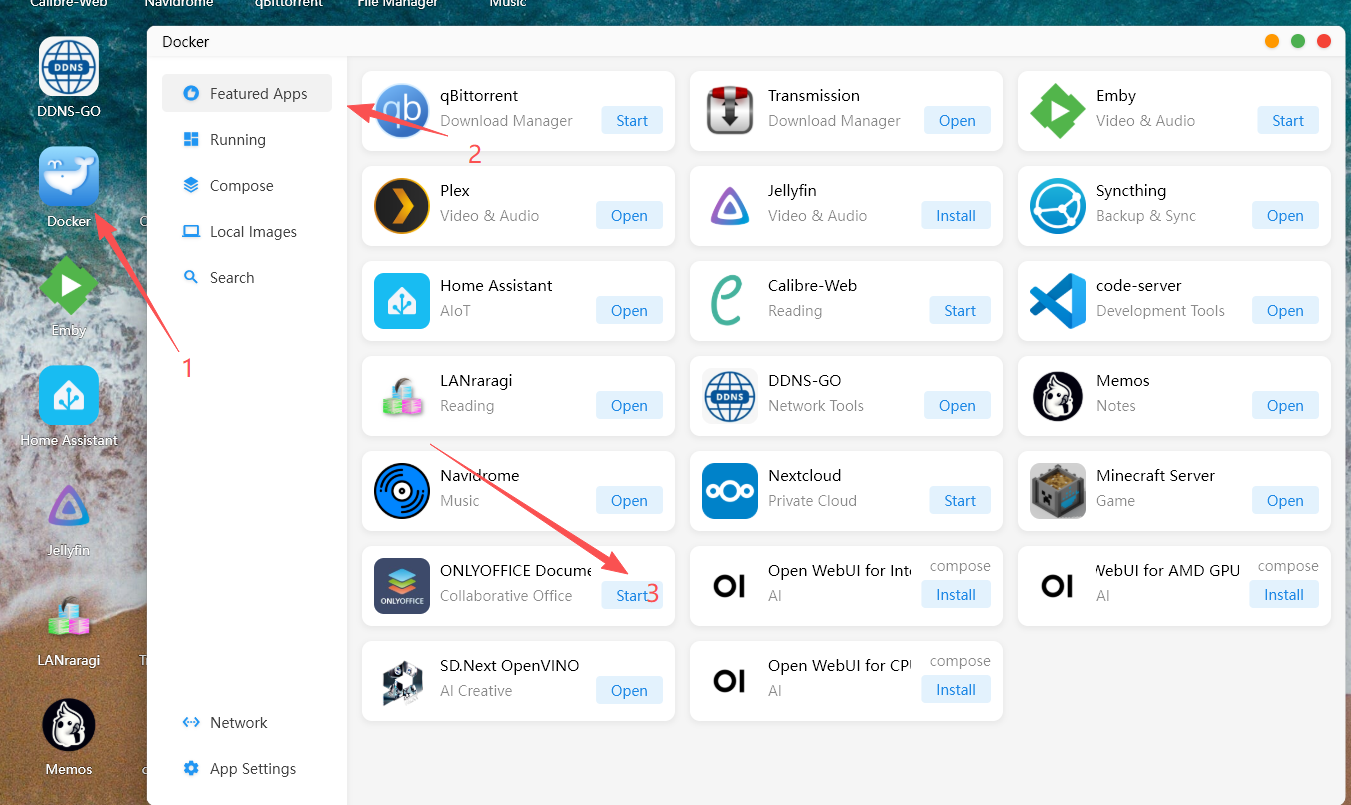
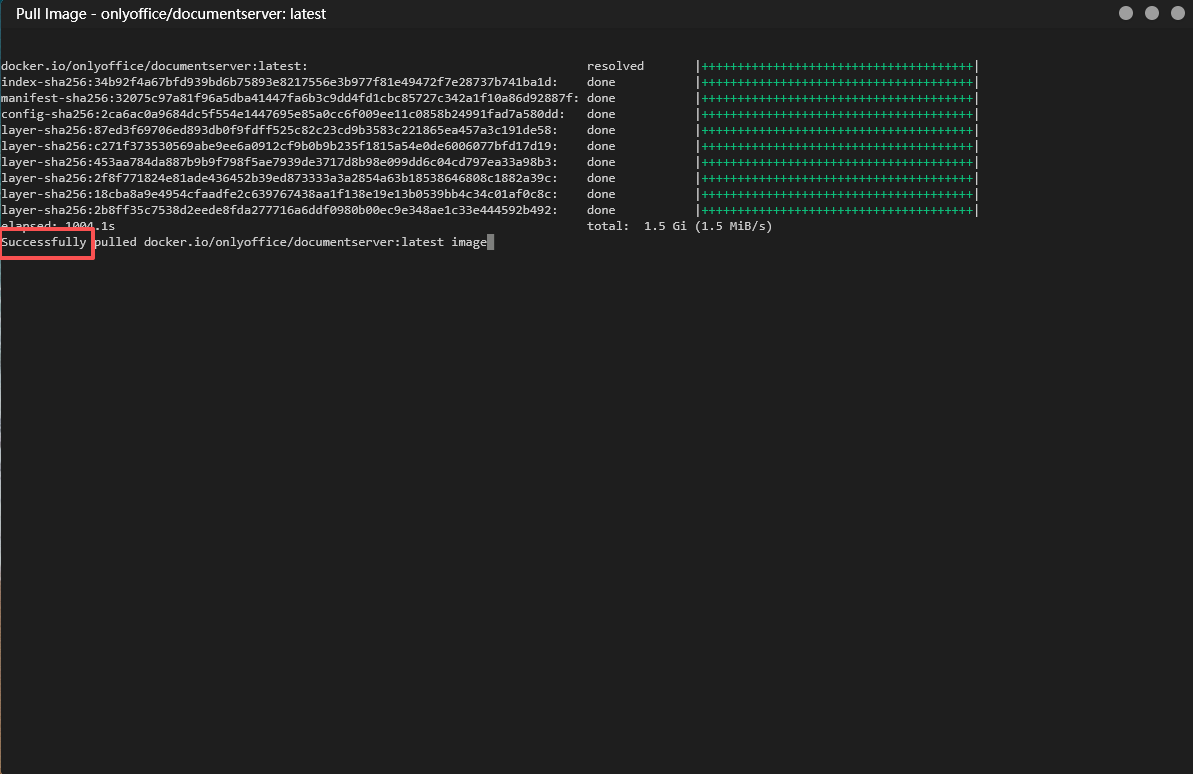
After the deployment is complete, the word "Successfully" will appear.
Click "Running" -> "Open ONLYOFFICE Website".
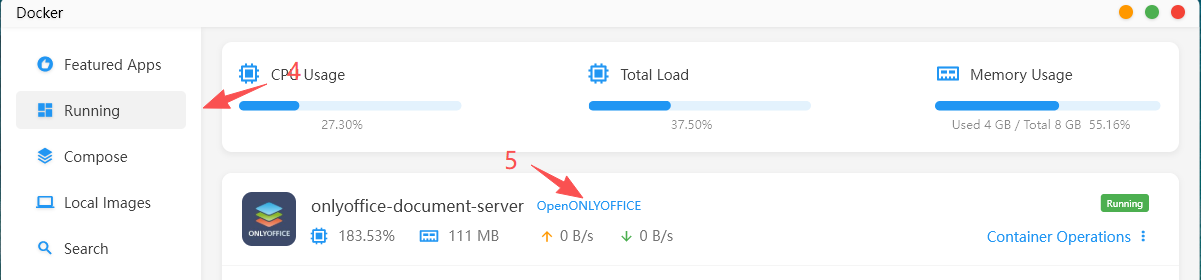
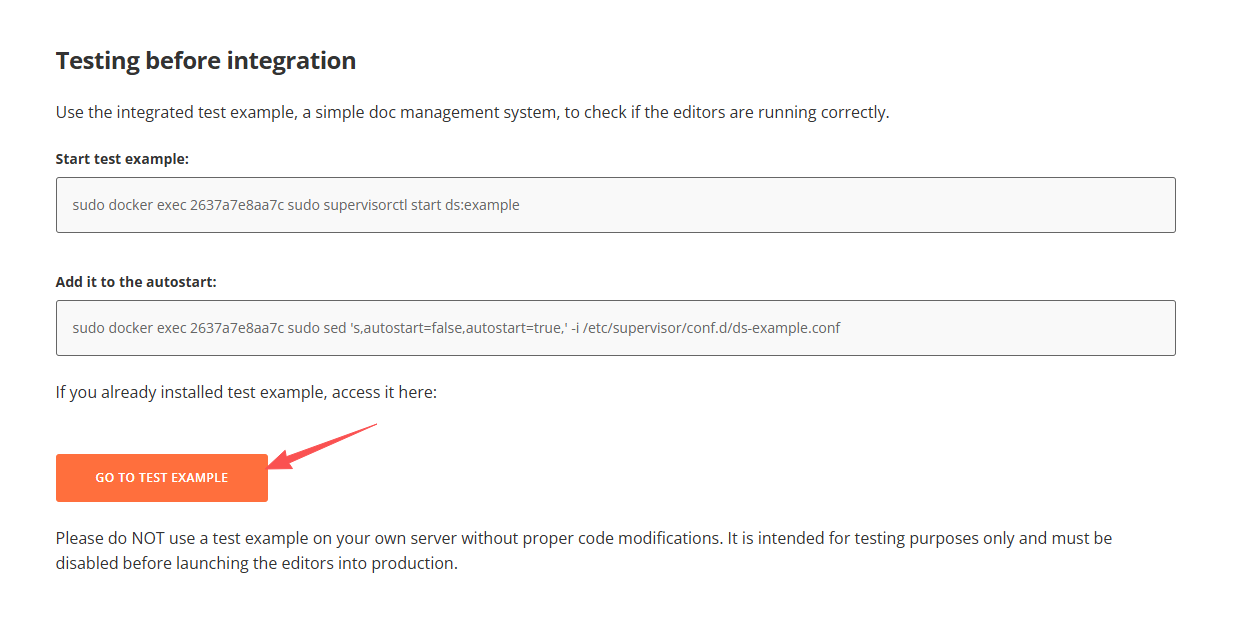
After successfully opening the OnlyOffice page, copy the instruction displayed on the page that needs to be executed.

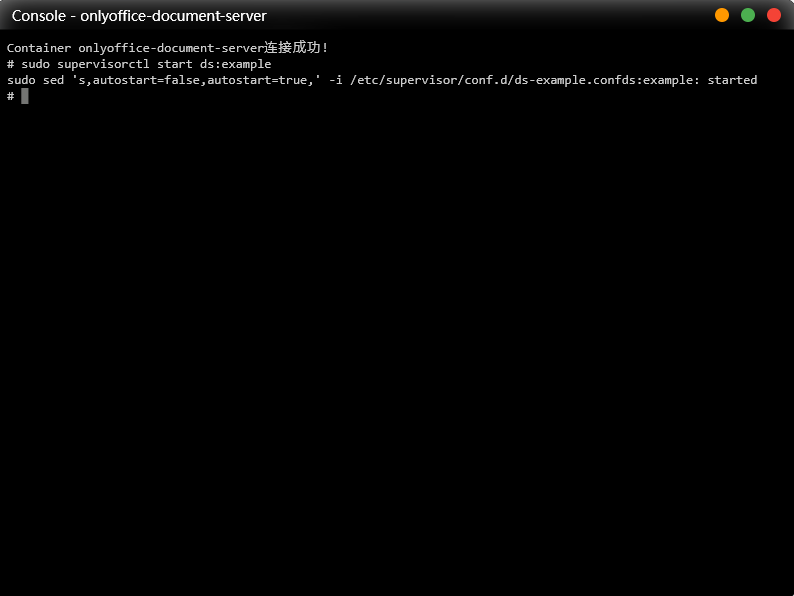
Return to Cyber Cloud and open the Terminal Console.
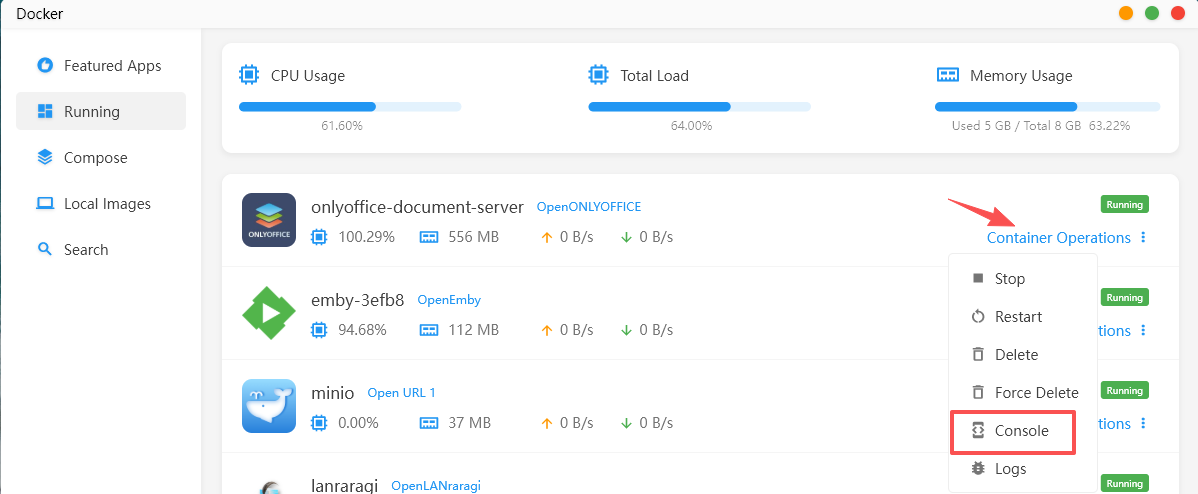
Enter the two lines of code you copied.